
 Image 1 of 2
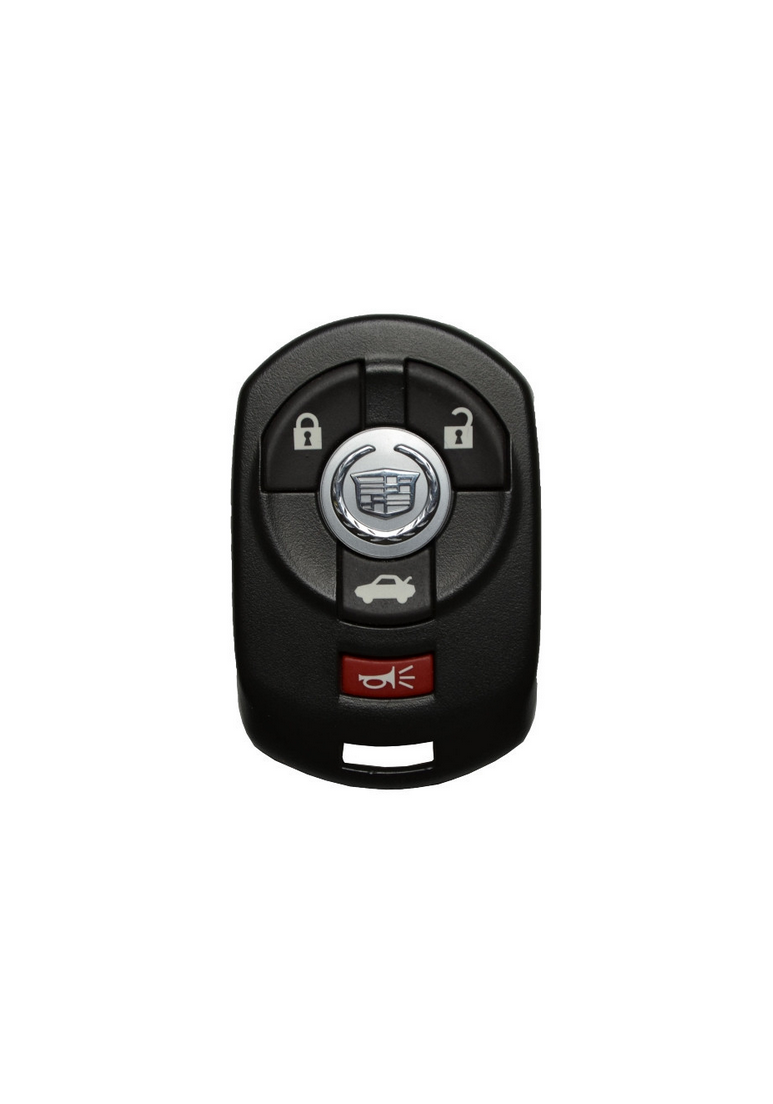 Image 2 of 2
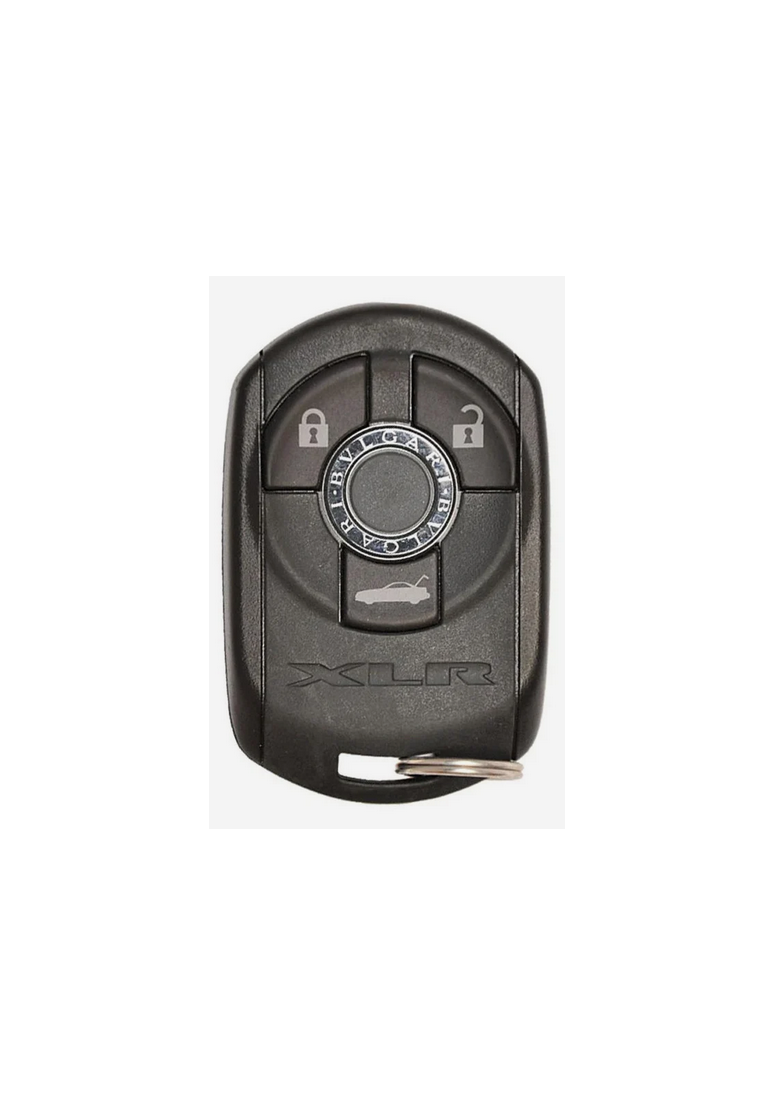
2004 - 2007 Cadillac XLR 3 Button Keyless Entry Remote Fob - ***RARE*** - M3N65981403 -

Step by Step How to Program Instructions:
Programming with Recognized Transmitter
To match a new transmitter to your vehicle when you have a recognized transmitter, do the following. Two recognized transmitters are required for Canadian owners.
1. The vehicle must be off.
2. Have the recognized transmitter and the new, unrecognized transmitter(s) with you.
3. Insert the vehicle key into the key lock cylinder located on the outside of the driver’s door.
4. Turn the key to the unlock position five times within five seconds.
5. The DIC will display READY FOR FOB #X, where X can be 2, 3 or 4.
6. Place the new, unrecognized transmitter into the transmitter pocket with the transmitter buttons facing the front of the vehicle. The transmitter pocket is inside the console bin located between the driver and front passenger seat.
7. Once the transmitter is programmed, a beep will sound. The DIC will display READY FOR #X, where X can be 3 or 4, or MAX # FOBS LEARNED.
8. Remove the transmitter from the transmitter pocket and press the unlock button on the keyless access transmitter two times.
Programming without Recognized Transmitter
The Canadian immobilizer standard requires Canadian owners to see their GM dealer for matching new transmitters when a recognized transmitter is not available. United States Owners are permitted to match a new transmitter to their vehicle when a recognized transmitter is not available. the procedure will require three ten minute cycles to complete the matching process. Do the following:
1. The vehicle must be off.
2. Place the new, unrecognized transmitter into the transmitter pocket with the transmitter buttons facing the front of the vehicle. The transmitter pocket is inside the console bin located between the driver and front passenger seat.
3. Insert the vehicle key into the key lock cylinder located on the driver’s door.
4. Turn the key to the unlock position five times within five seconds.
5. The DIC message will display OFF-ACCESSORY TO LEARN.
6. Press the OFF/ACC button (ignition switch).
7. The DIC will read WAIT 10 MINUTES and will count down to zero, one minute at a time.
8. The DIC will display OFF-ACCESSORY TO LEARN again.
9. Press the OFF/ACC button (ignition switch).
10. The DIC will read WAIT 10 MINUTES and will count down to zero, one minute at a time.
11. The DIC will display OFF-ACCESSORY TO LEARN again.
12. Press the OFF/ACC button (ignition switch).
13. The DIC will read WAIT 10 MINUTES and will count down to zero, one minute at a time.
14. A beep will sound and the DIC will read READY FOR FOB #1. At this time, all previously known transmitters have been erased.
15. Once the transmitter is recognized and programmed, a beep will sound and the DIC will display READY FOR FOB #2.
16. Remove the keyless access transmitter and press the unlock button twice to initialize it.
If you have additional transmitters to program, this process can be repeated until four transmitters have been programmed. The DIC will then display MAX # FOBS LEARNED and will exit the programming mode. When you are done programming transmitters, press the unlock button on each keyless access transmitter twice. After performing this process, transmitters previously programmed will no longer work with your vehicle and must be reprogrammed.