
 Image 1 of 1
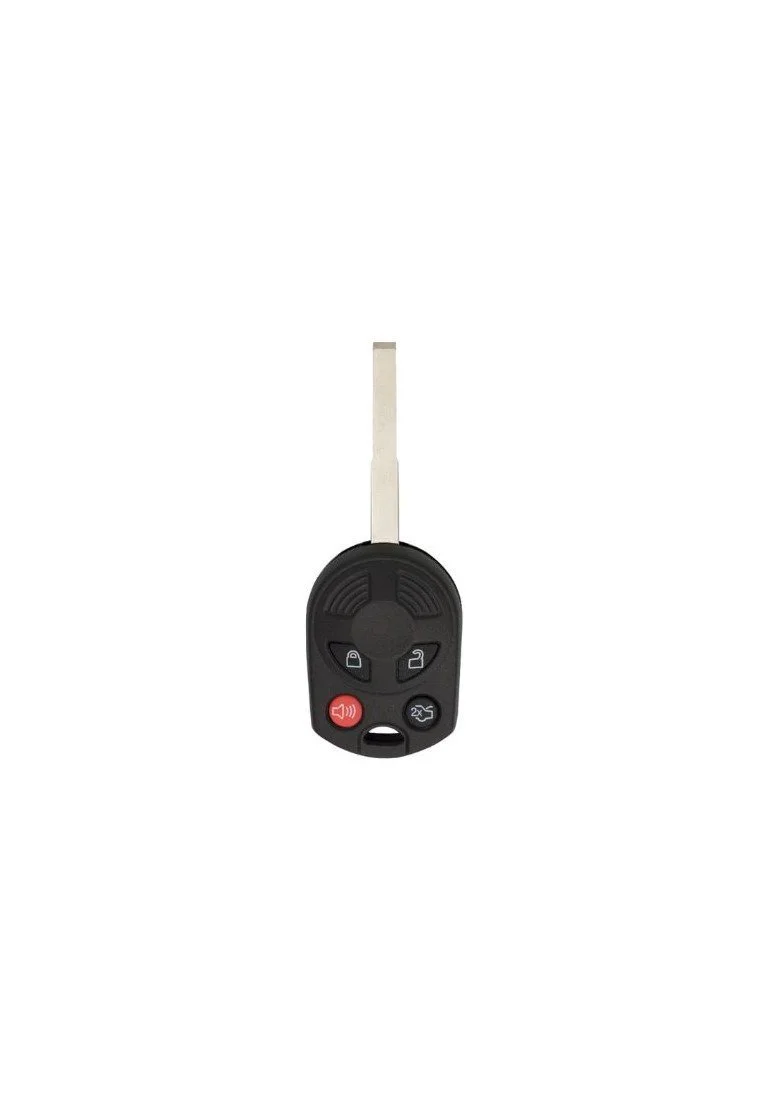
2013 - 2019 Ford Escape Ford 4 Button High Security Keyless Entry Remote Head Key - 80 bit - OUC6000022 - OUCD6000022

Step by Step How to Programming Instructions:
Use these instructions if your Ford Escape has the remote/key combo.
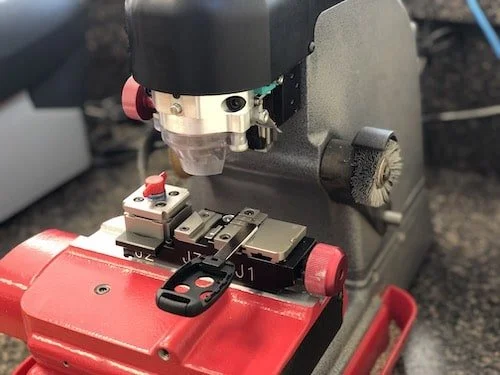
You must have two previously programmed keys and the new unprogrammed key readily accessible. If you do not have two previously programmed keys you will need a Locksmith to cut and program a second key.
1. Insert the first previously programmed key into the ignition.
2. Switch the ignition from off to on. Keep the ignition on for at least three seconds, but no more than 10 seconds.
3. Switch the ignition off and remove the first programmed key from the ignition.
4. After three seconds but within 10 seconds of switching the ignition off, insert the second previously programmed key into the ignition.
5. Switch the ignition from off to on. Keep the ignition on for at least three seconds, but no more than 10 seconds.
6. Switch the ignition off and remove the second previously programmed key from the ignition.
7. After three seconds but within 10 seconds of switching the ignition off and removing the previously programmed key, insert the new unprogrammed key into the ignition.
8. Switch the ignition from off to on. Keep the ignition on for at least six seconds.
9. Remove the newly programmed key from the ignition. If the key has been successfully programmed it will start the engine and operate the remote entry system (if the new key is an integrated keyhead transmitter). If it was not programmed successfully, wait 10 seconds and repeat Steps 1 through 8.