
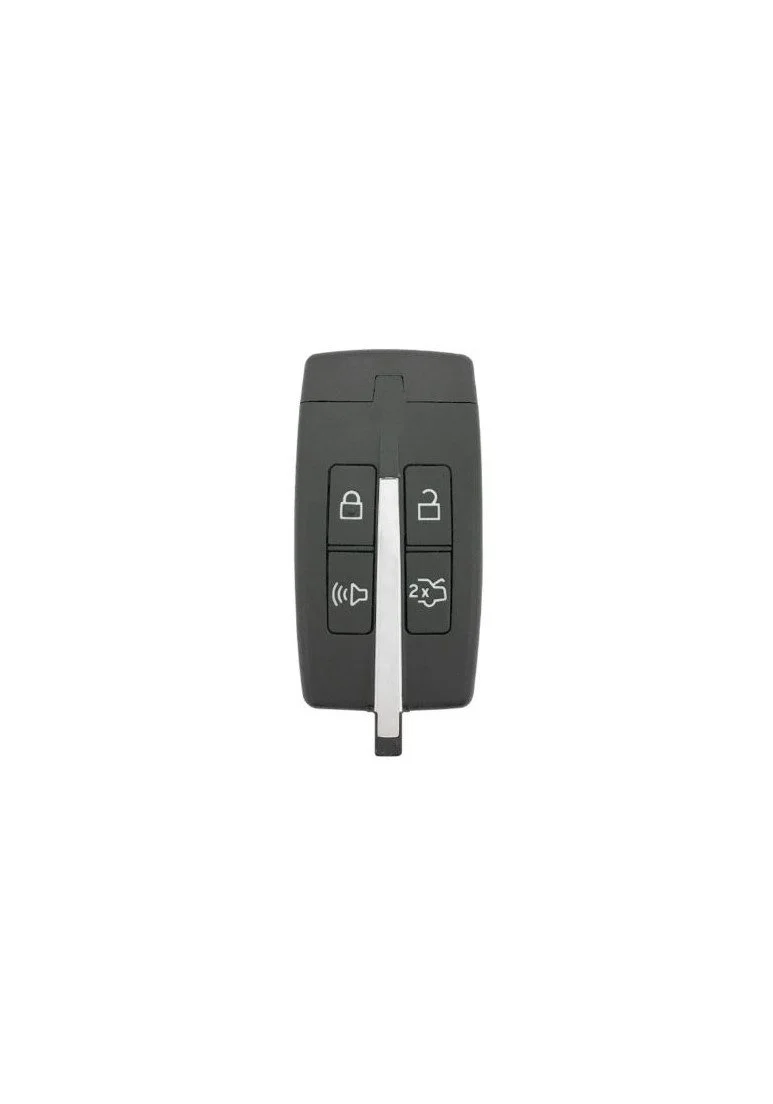
 Image 1 of 3
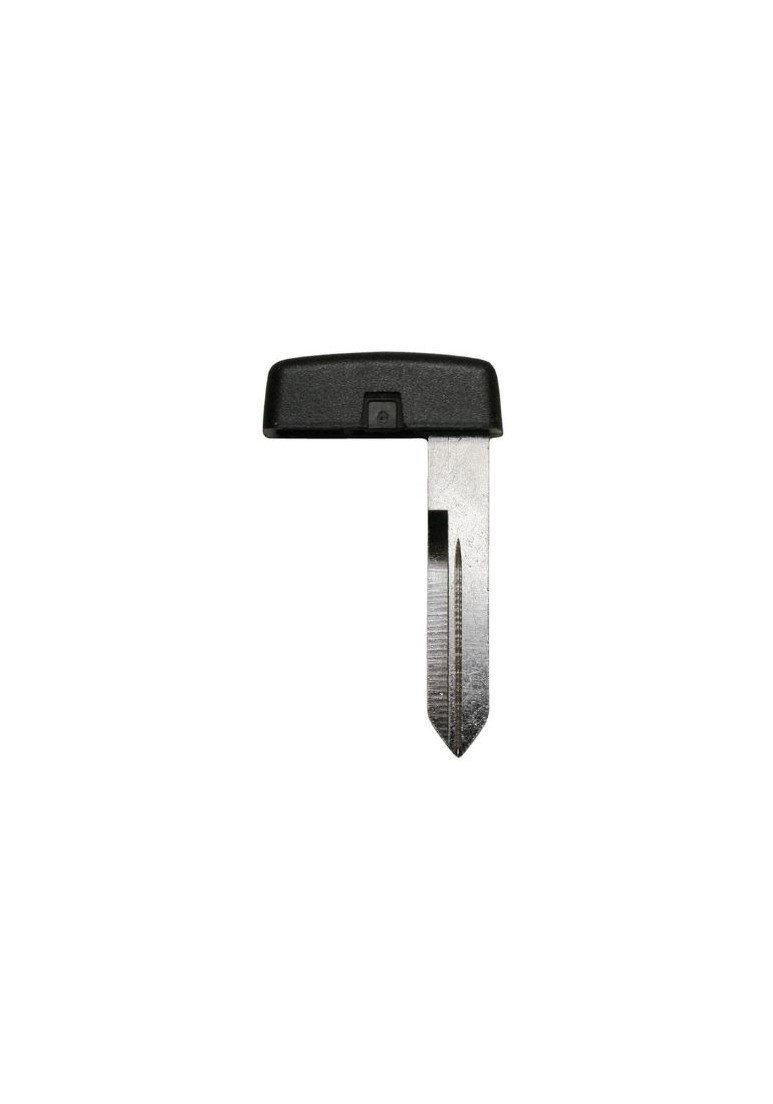 Image 2 of 3
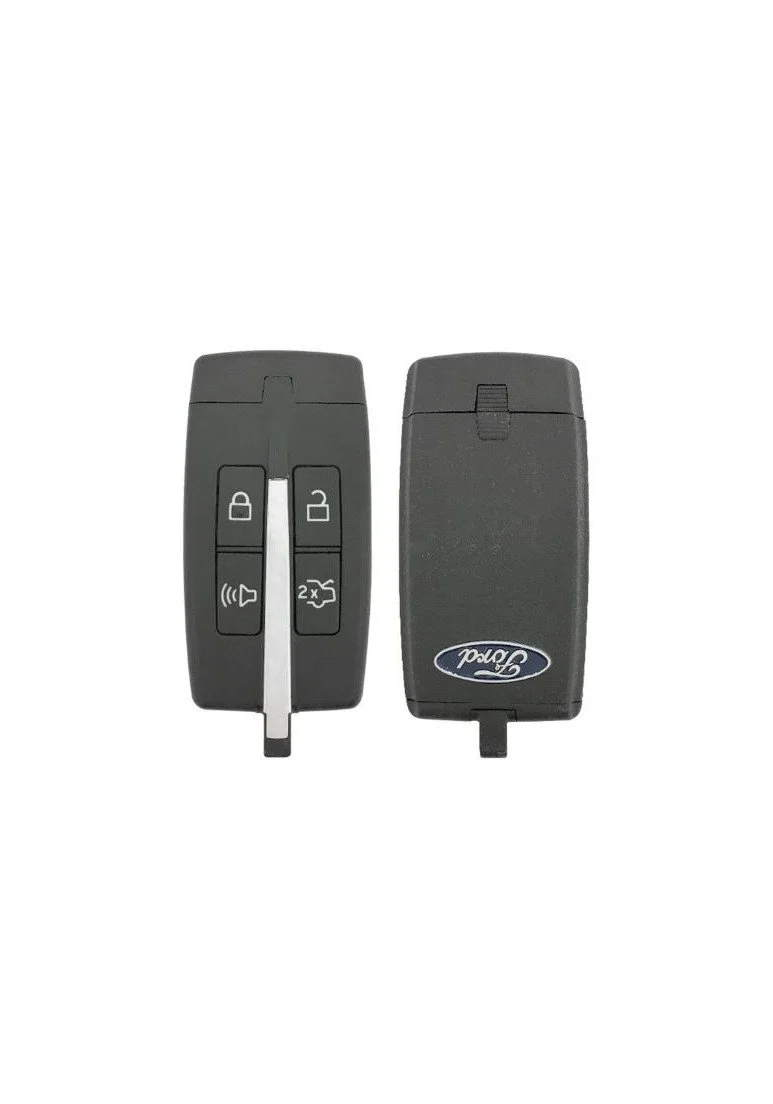 Image 3 of 3
2009 - 2012 Ford Taurus 4 Button Keyless Entry Smart Remote - Emergency Key Included - M3N5WY8406


How to Program a 2012 Ford Taurus Keyless Entry Remote Fob Smart Key
Use these instructions if your Ford Taurus has the smart key system.
Note: You can program a maximum for four smart keys to your vehicle.
You must have two previously programmed keys and the new unprogrammed key readily accessible. If you do not have two previously programmed keys you will need a Locksmith to cut and program a second key. If you have one working key, you can buy a programmer here
Ensure that the vehicle is off before beginning this procedure. Ensure that all doors are closed before beginning this procedure and that all doors remain closed throughout the procedure. Perform this procedure exactly as described below, and perform all steps within 30 seconds of starting the sequence. If any steps are performed out of sequence, stop and wait for at least one minute before starting again.
Please read and understand the entire procedure before you begin.
1. Place the new unprogrammed Smart Key in the pocket inside the center console utility compartment.
2. Press the driver or passenger power door unlock control three times.
3. Press and release the brake pedal one time.
4. Press the driver or passenger power door lock control three times.
5. Press and release the brake pedal one time. The indicator on the Start/Stop button should begin to rapidly flash, indicating that programming mode has been entered and two programmed Smart Keys have been detected in the vehicle.
6. Within one minute, press the start/stop button. A message will be displayed on the message center indicating that the new Smart Key was programmed. If four Smart Keys have already been programmed to your vehicle, you cannot program anymore and the message MAX # OF KEYS LEARNED will be displayed on the message center.
7. Remove Smart Key from utility compartment pocket and press the or control on the newly programmed Smart Keys to exit programming mode.
8. Verify that the remote entry functions operate (lock, unlock) and that
the vehicle starts with new Smart Key.