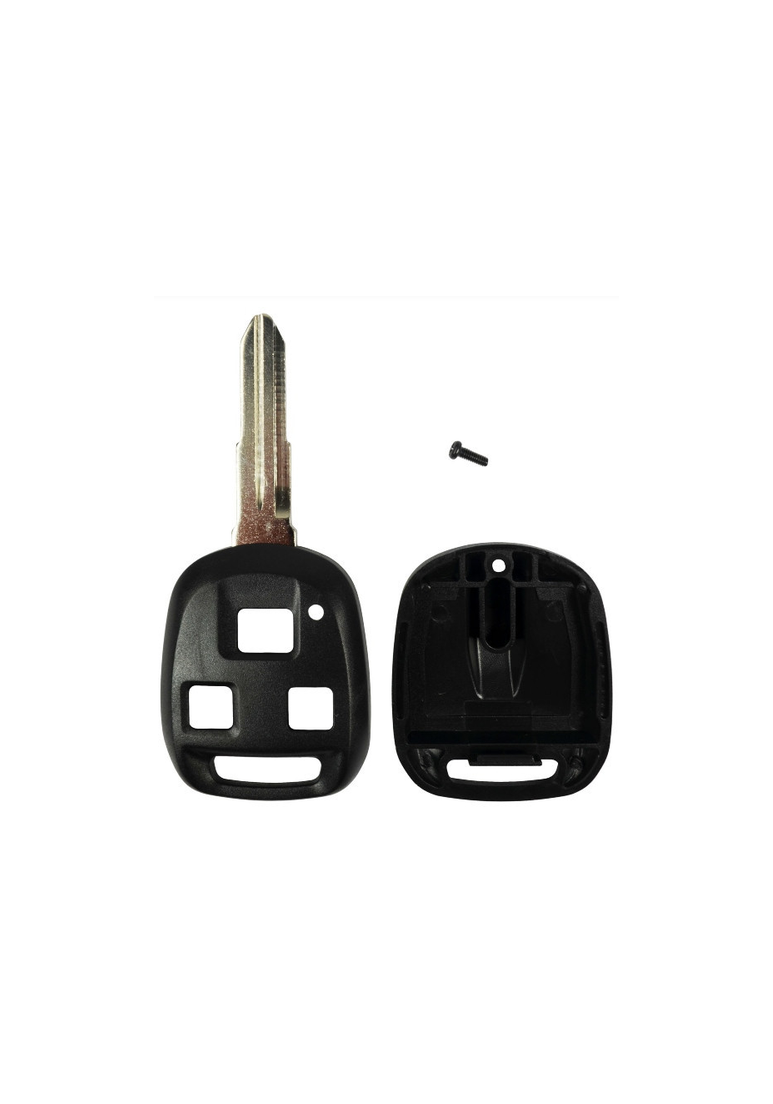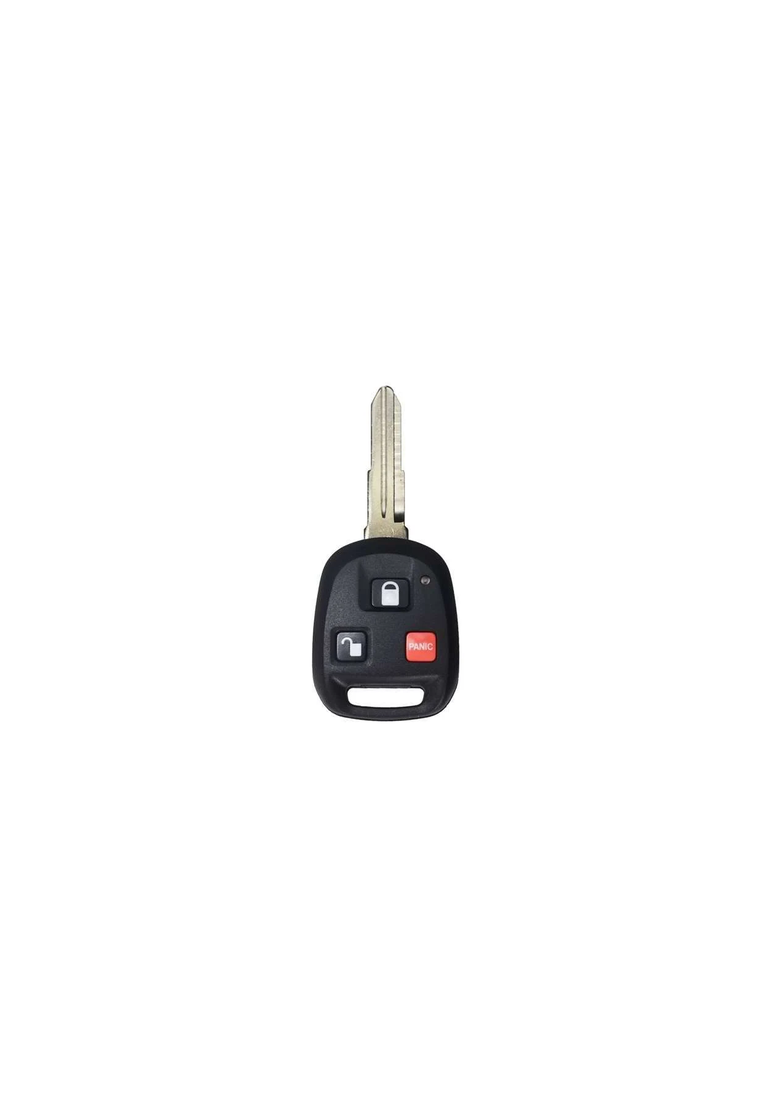
2002 - 2005 Isuzu Axiom 3 Button Keyless Entry Remote Head Key with Panic - HYQ1512V

from $24.00

SKU: 682

Condition:  Multiple Options

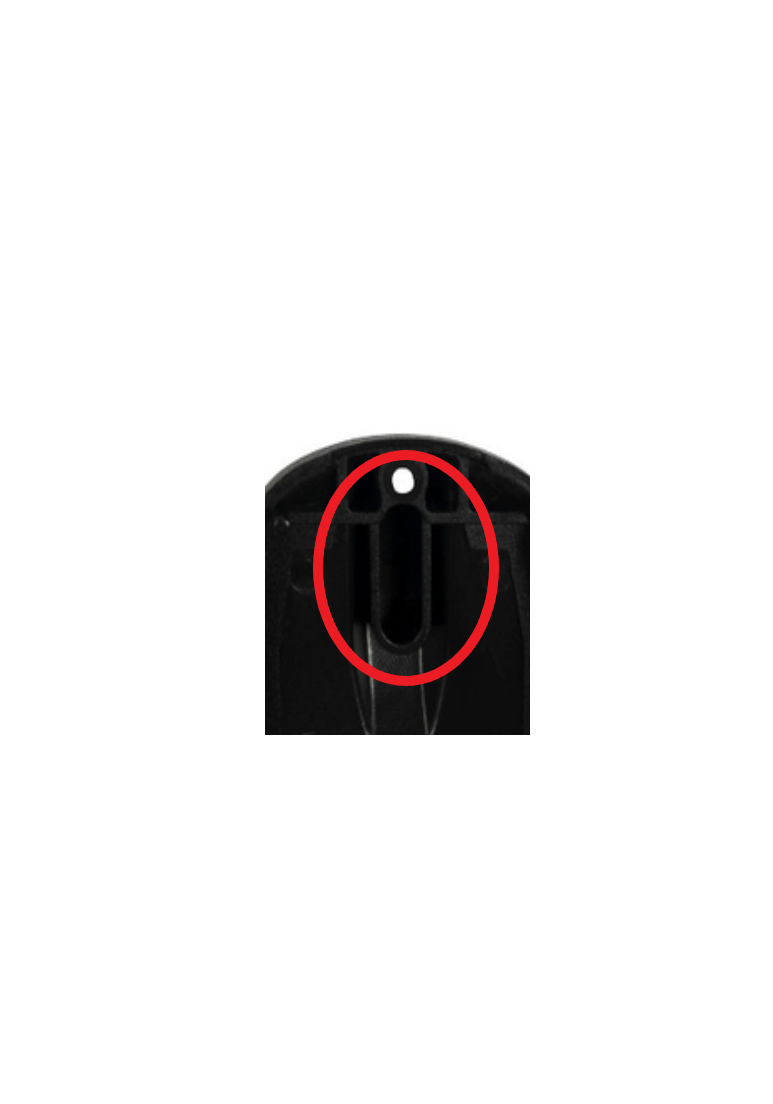
IMPORTANT: If you choose the OEM Refurbished option we will use an aftermarket shell, uncut, with a new unprogrammed immobilizer chip, and a refurbished HYQ1512V electronics pod to send you a full unit. Delays may occur if we have troubling sourcing the pod. You will be notified if there is a delay. If you purchase the Shell Only option you will need to carefully remove your old remote’s chip (see second picture) and place in the new shell. Failure to do this step will result in your car not starting. If you want a new shell with a new chip installed then choose the Shell with Immo Chip option. (Some people choose this option to use as a transponder key when the electronics are hard to find or too expensive.)

Fits:

2002 - 2005 Isuzu Axiom

OEM Part Number:  8-97318-854-0, 8-97318-944-0 (Notched Blade)

FCC ID:  HYQ1512V

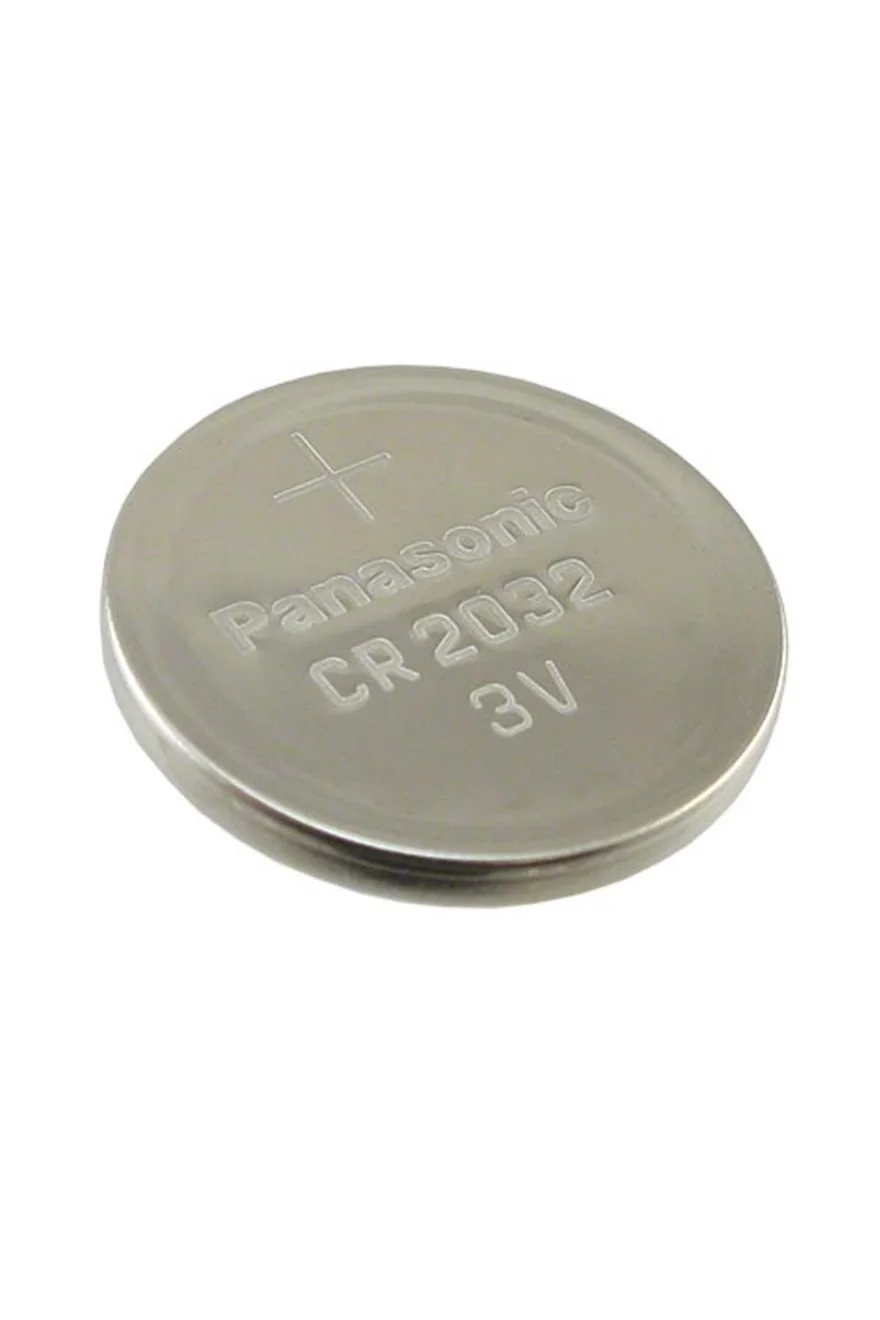
Battery size: CR1616

Condition:

SKU: 682

Condition:  Multiple Options

IMPORTANT: If you choose the OEM Refurbished option we will use an aftermarket shell, uncut, with a new unprogrammed immobilizer chip, and a refurbished HYQ1512V electronics pod to send you a full unit. Delays may occur if we have troubling sourcing the pod. You will be notified if there is a delay. If you purchase the Shell Only option you will need to carefully remove your old remote’s chip (see second picture) and place in the new shell. Failure to do this step will result in your car not starting. If you want a new shell with a new chip installed then choose the Shell with Immo Chip option. (Some people choose this option to use as a transponder key when the electronics are hard to find or too expensive.)

Fits:

2002 - 2005 Isuzu Axiom

OEM Part Number:  8-97318-854-0, 8-97318-944-0 (Notched Blade)

FCC ID:  HYQ1512V

Battery size: CR1616

Button Cell Battery (Choose Your Size) Button Cell Battery (Choose Your Size) Button Cell Battery (Choose Your Size) Button Cell Battery (Choose Your Size) Button Cell Battery (Choose Your Size) Button Cell Battery (Choose Your Size) Button Cell Battery (Choose Your Size) Button Cell Battery (Choose Your Size)
Size:
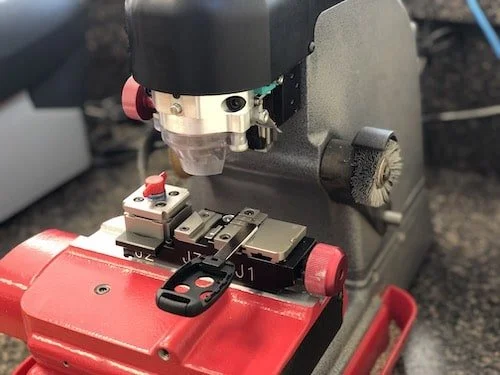
Pre-Cut Key Service Pre-Cut Key Service Pre-Cut Key Service
Type:

Step by Step How to Programming Instructions:

  1. Open the driver’s door. 
     

  2. Insert key into ignition.
     

  3. Turn the ignition switch to the ACC position and then to the LOCK position three times. (This step must be completed within 3 seconds – go as fast as yo can, or the system will not enter the programming mode.)
     

  4. Within 10 seconds, close and open the door two times.
     

  5. Turn the ignition switch to the ACC position and then to the LOCK position three times (again, do this within 3 seconds.)
     

  6. Within 10 seconds, close and open the door. Verify that the power door locks cycle once to confirm that the system is in programming mode.
     

  7. Within 20 seconds, press the LOCK button on the transmitter you are programming. Verify that the door locks cycle once.
     

  8. Within 20 seconds, press the UNLOCK button on the transmitter. Verify that the door locks cycle once to confirm that the system has accepted the transmitter’s code.
     

  9. Repeat steps 7 and 8 for each transmitter to be added.
     

  10. Remove key from ignition.