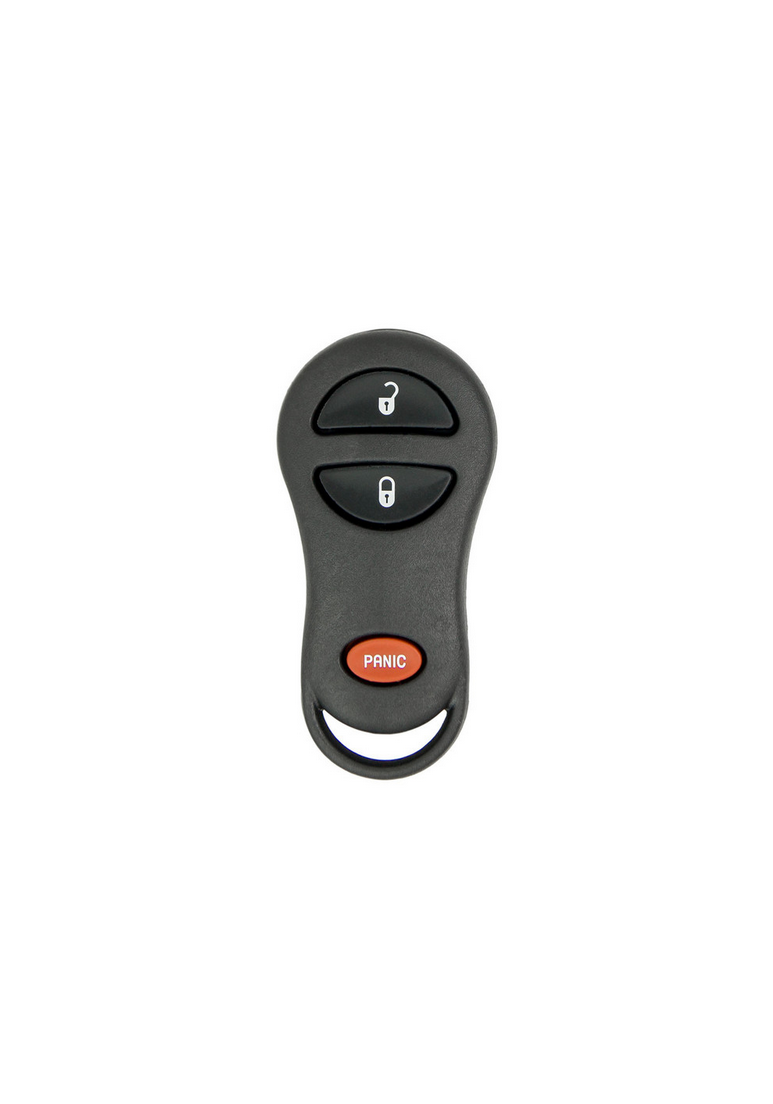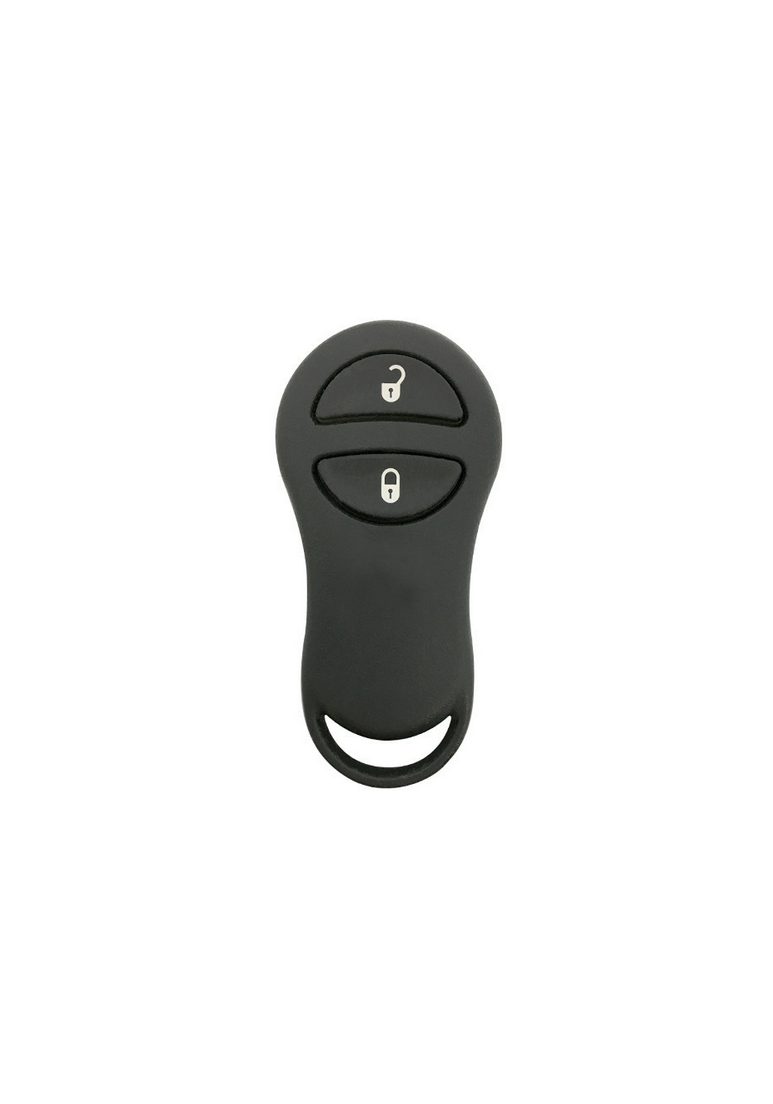
1999 - 2003 Dodge Ram Van 2 Button Keyless Entry Remote Fob - GQ43VT9T - 56045191 - 56045191AB - 56045191AC - 56045191AD

from $45.00

SKU: 587

Condition:  Multiple Options

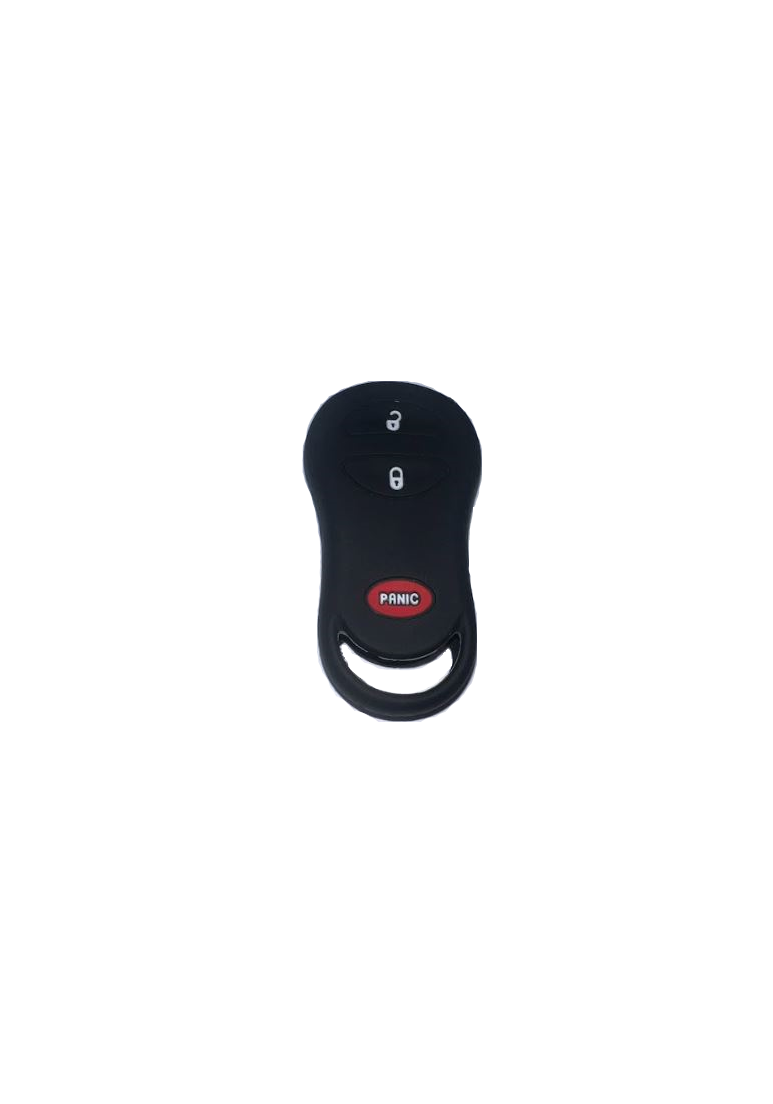
IMPORTANT: Replace My Remote WILL substitute a 3 button fob if no 2 button options are in stock. 2 button supplies are extremely limited and no replacement shell exists. The 3 button version is shown in picture 2 and will operate the lock and unlock buttons the exact same as the 2 button version. The red horn button will not operate at all.

Fits:

1999 - 2003 Dodge Ram Van

OEM Part Number:  56045191, 56045191AB, 56045191AC, 56045191AD

FCC ID:  GQ43VT9T

Battery size: CR2016 (X2)

Condition:

SKU: 587

Condition:  Multiple Options

IMPORTANT: Replace My Remote WILL substitute a 3 button fob if no 2 button options are in stock. 2 button supplies are extremely limited and no replacement shell exists. The 3 button version is shown in picture 2 and will operate the lock and unlock buttons the exact same as the 2 button version. The red horn button will not operate at all.

Fits:

1999 - 2003 Dodge Ram Van

OEM Part Number:  56045191, 56045191AB, 56045191AC, 56045191AD

FCC ID:  GQ43VT9T

Battery size: CR2016 (X2)

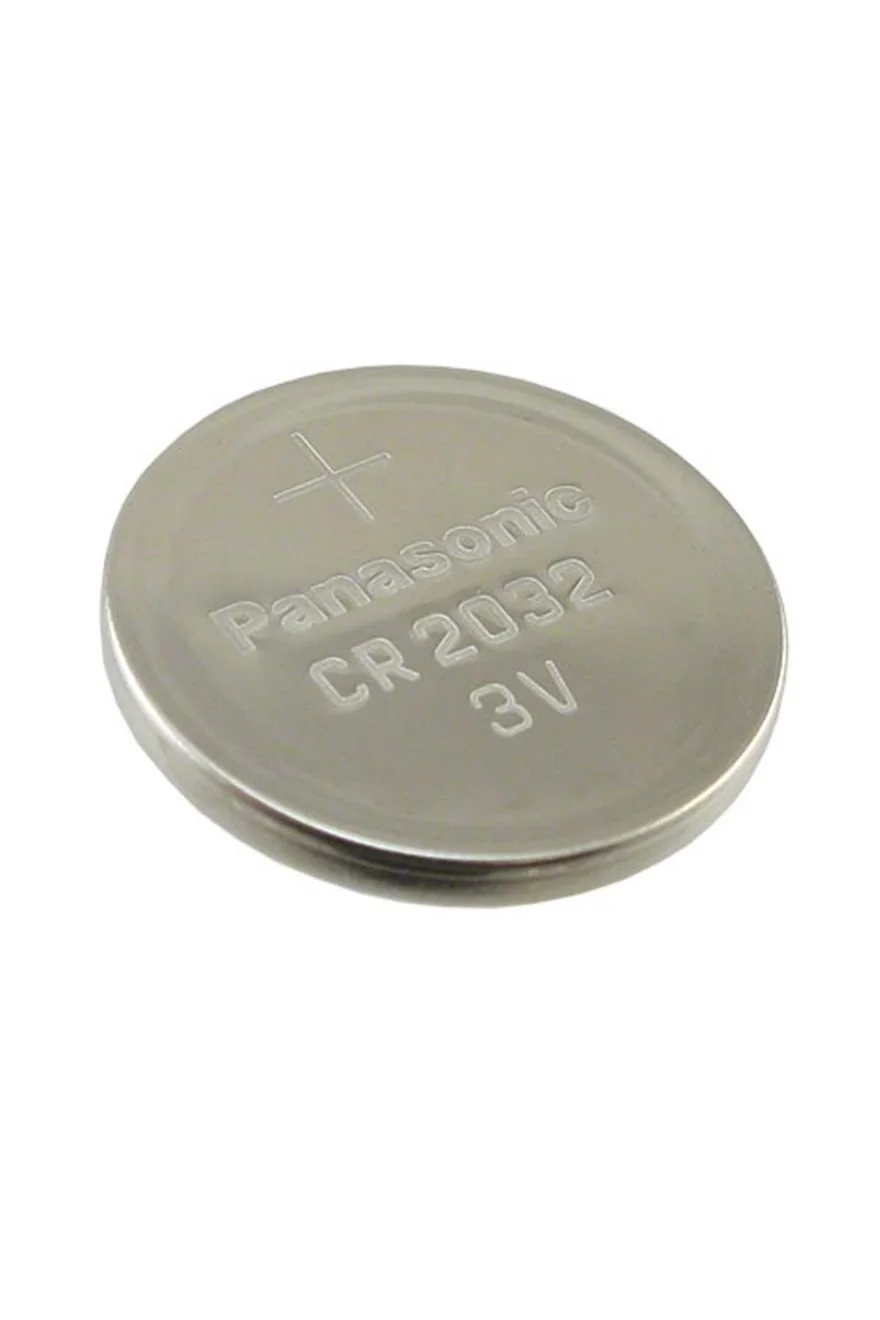
Button Cell Battery (Choose Your Size) Button Cell Battery (Choose Your Size) Button Cell Battery (Choose Your Size) Button Cell Battery (Choose Your Size) Button Cell Battery (Choose Your Size) Button Cell Battery (Choose Your Size) Button Cell Battery (Choose Your Size) Button Cell Battery (Choose Your Size)
Size:
Chrysler/Dodge/Plymouth 3 Button Keyless Entry Remote Silicone Cover - GQ43 Style Fobs - Black or Pink Chrysler/Dodge/Plymouth 3 Button Keyless Entry Remote Silicone Cover - GQ43 Style Fobs - Black or Pink Chrysler/Dodge/Plymouth 3 Button Keyless Entry Remote Silicone Cover - GQ43 Style Fobs - Black or Pink
Color:

Step by Step How to Programming Instructions:


The Dodge Ram Van (2000) can ONLY have 2 remotes

1. Turn ignition to OFF.

2. Locate the Data Link Connector, its a black 16 pin connector that is under the driver's side dash, right where your right knee would be. You have to look up into the dash from below to see it.

3. Ground pin 1 of the Data Link Connector by taking a wire or paper clip and running it from pin 1 to pin 4. Pin 4 is ground so you can just short pin 1 to 4 and it will be grounded. Grounding pin 1 tells the system you are ready to reprogram it.

4. Close all of your doors.

5. Turn the key to ACC then back off. The power door locks will lock/unlock. This is the signal that the system is ready for reprogramming.

6. Push a button on your key fob, doesn't matter which button.

7. If you have 2 key fobs, then press a button on the 2nd fob within 1minute of pressing a button on the 1st fob. Both must be programmed at the same time. If you only have 1 fob then press a button 2 more times to signal that you only have one.

8. The doors will lock/unlock to signal the codes were received.

9. Remove the jumper wire from the data connector."

10. Turn key off