
 Image 1 of 1
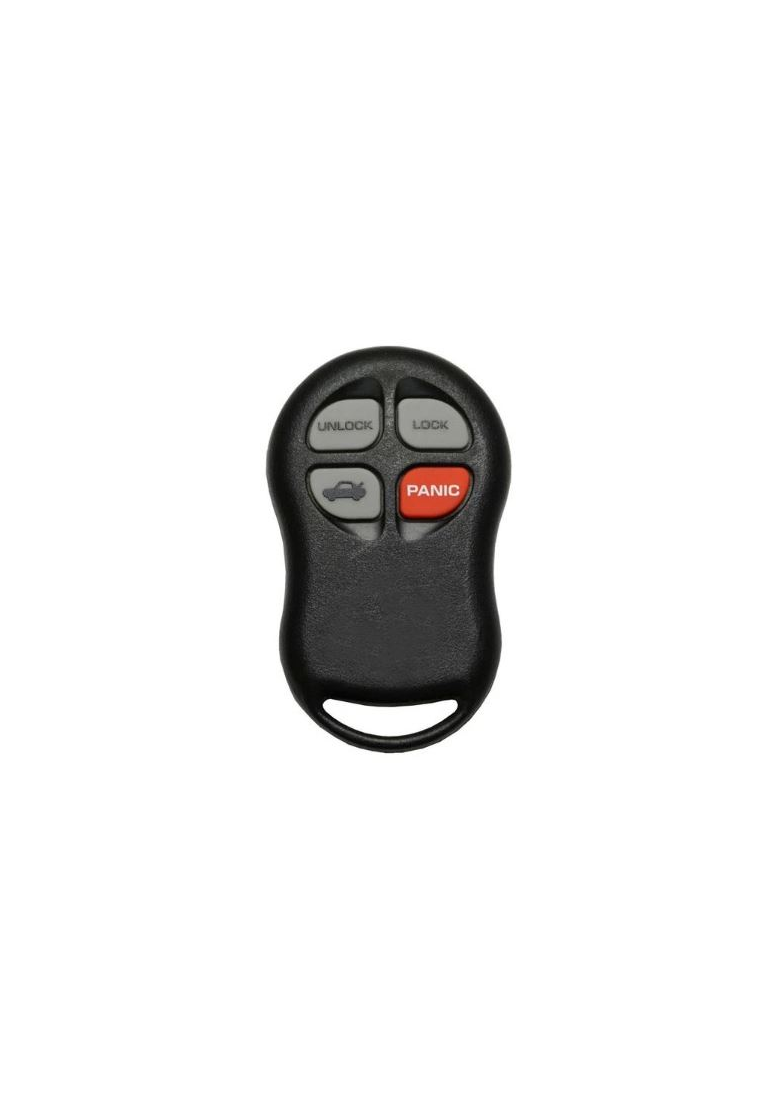
1997 - 2001 Chrysler Sebring 4 Button Keyless Entry Remote Fob - KYPTX002

Step by Step How to Programming Instructions:
ATTENTION: You MUST HAVE one working remote to add one more to the system. If you do not have one working remote right now then these instructions will not work. You will have to have a Locksmith or dealership use a computer to program the first remote for you.
1. Using the working remote, Press LOCK button 5 times at 2 second intervals to re-synchronize remote.
2. Insert key into the ignition switch. Turn ignition to the RUN position (as far as you can go without cranking engine). Wait for ignition chimes to stop.
3. Using the working remote, press and hold the UNLOCK button on the remote for 4 to 10 seconds.
4. Still using the working remote, within the specified 4 to 10 seconds, continue pressing the UNLOCK button and then press the PANIC button ( on the working programmed remote ) for 1 second and release both buttons. A chime will sound to indicate that the remote programming mode has been entered ( allow 3 seconds for chime to sound ).
5. Still using the working remote, within 30 seconds of the chime, press and release the LOCK and UNLOCK buttons simultaneously then press and release just the UNLOCK button. A chime will sound indicating the remote has been programmed.
6. Using a new / replacement remote, press and release the LOCK and UNLOCK buttons simultaneously and then press and release just the UNLOCK button. A chime will sound. This remote has now been programmed.
7. For each additional new / replacement remote, press and release the LOCK and UNLOCK buttons simultaneously and then press and release the UNLOCK button. A chime should be heard after each remote signaling it has been programmed.
8. Turn ignition OFF and remove key.
9. Test Remotes.