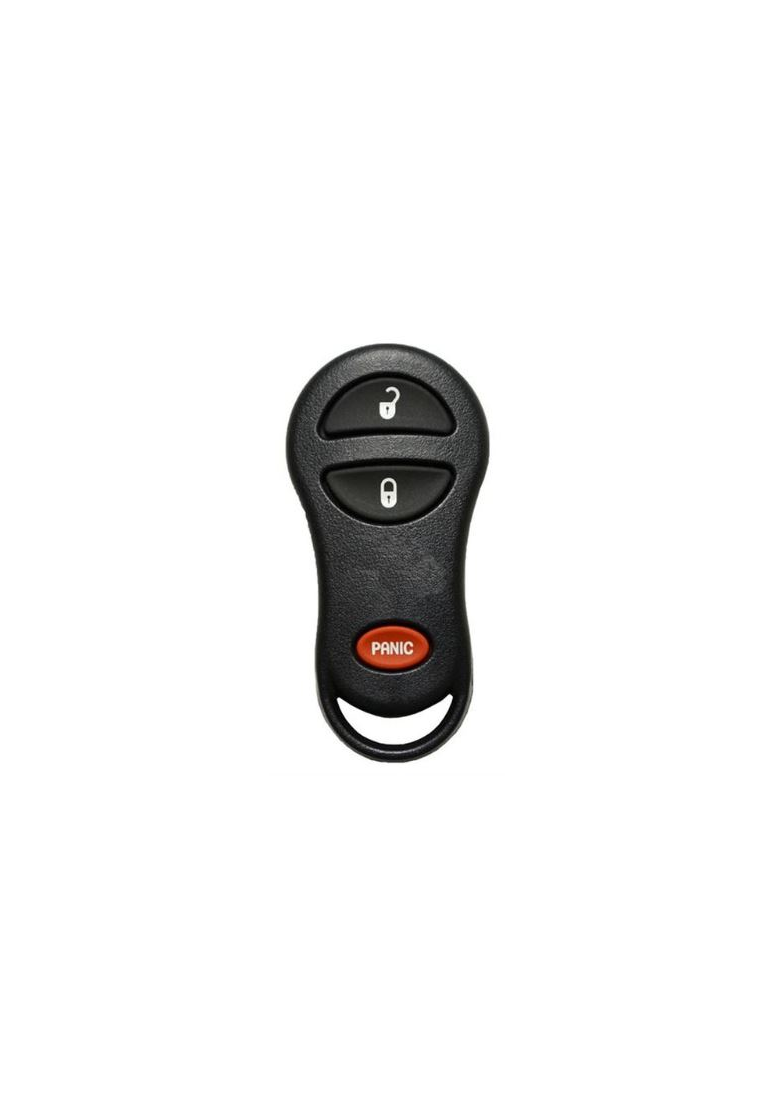
2001 - 2005 Chrysler PT Cruiser 3 Button Keyless Entry Remote Fob - GQ43VT13T

from $19.00

SKU: 556

Condition:  Multiple Options

IMPORTANT: his remote may or may not come in its original case with the OEM logo. If the original casing is worn we will re-case it into a new shell without a logo. Because this remote is 20+ years old, it is extremely rare to find a remote in its original casing that the case is actually in good condition. If you are wanting the item with the logo, please contact us before purchasing to see if we have any refurbished units still in the OEM shell.

Fits:

2001 - 2005 Chrysler PT Cruiser

OEM Part Number:  04671641AB, 04671641AD, 04671641AE, 4671641

FCC ID:  GQ43VT13T

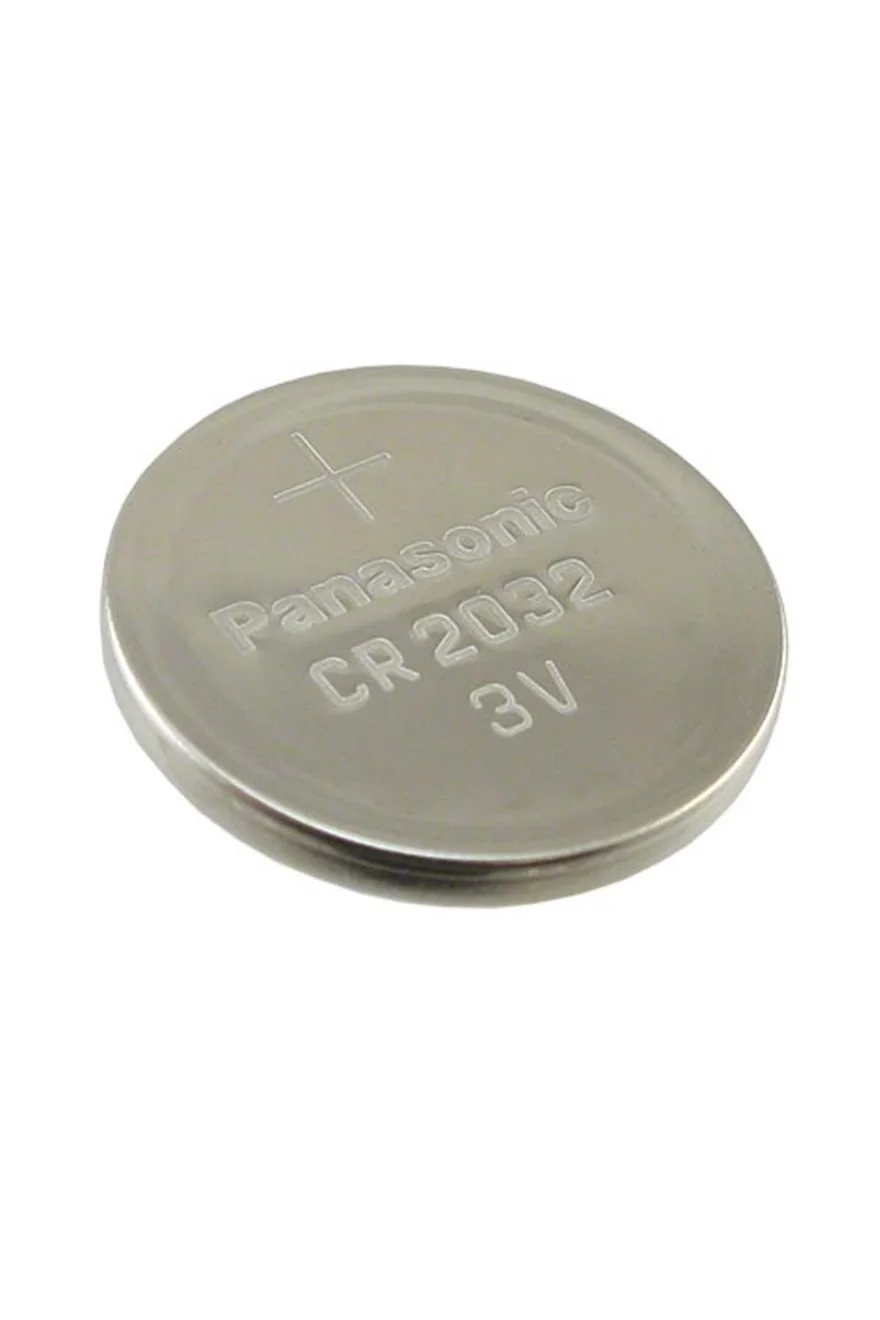
Battery size: CR2032

Condition:

SKU: 556

Condition:  Multiple Options

IMPORTANT: his remote may or may not come in its original case with the OEM logo. If the original casing is worn we will re-case it into a new shell without a logo. Because this remote is 20+ years old, it is extremely rare to find a remote in its original casing that the case is actually in good condition. If you are wanting the item with the logo, please contact us before purchasing to see if we have any refurbished units still in the OEM shell.

Fits:

2001 - 2005 Chrysler PT Cruiser

OEM Part Number:  04671641AB, 04671641AD, 04671641AE, 4671641

FCC ID:  GQ43VT13T

Battery size: CR2032

Button Cell Battery (Choose Your Size) Button Cell Battery (Choose Your Size) Button Cell Battery (Choose Your Size) Button Cell Battery (Choose Your Size) Button Cell Battery (Choose Your Size) Button Cell Battery (Choose Your Size) Button Cell Battery (Choose Your Size) Button Cell Battery (Choose Your Size)
Size:

Step by Step How to Programming Instructions:


ATTENTION: You MUST HAVE one working remote to add one more to the system. If you do not have one working remote right now then these instructions will not work. You will have to have a Locksmith use a computer to program the first remote for you.


1. Turn ignition to run position (as far as you can go without starting engine).

2. Using any Working remote, press the UNLOCK button for 4 to 10 seconds.

3. Within the specified 4 to 10 seconds, continue pressing the UNLOCK button and press the PANIC button for 1 second and release both buttons at the same time. A chime will sound within 3 seconds to indicate that the vehicle has entered remote programming mode.

4. Within 30 seconds of the chime, press any button on all remotes to be programmed including previously programmed remotes. A chime will sound after each remote is programmed.

5. Turn ignition to OFF and remove key. 

6. Test all remotes.