
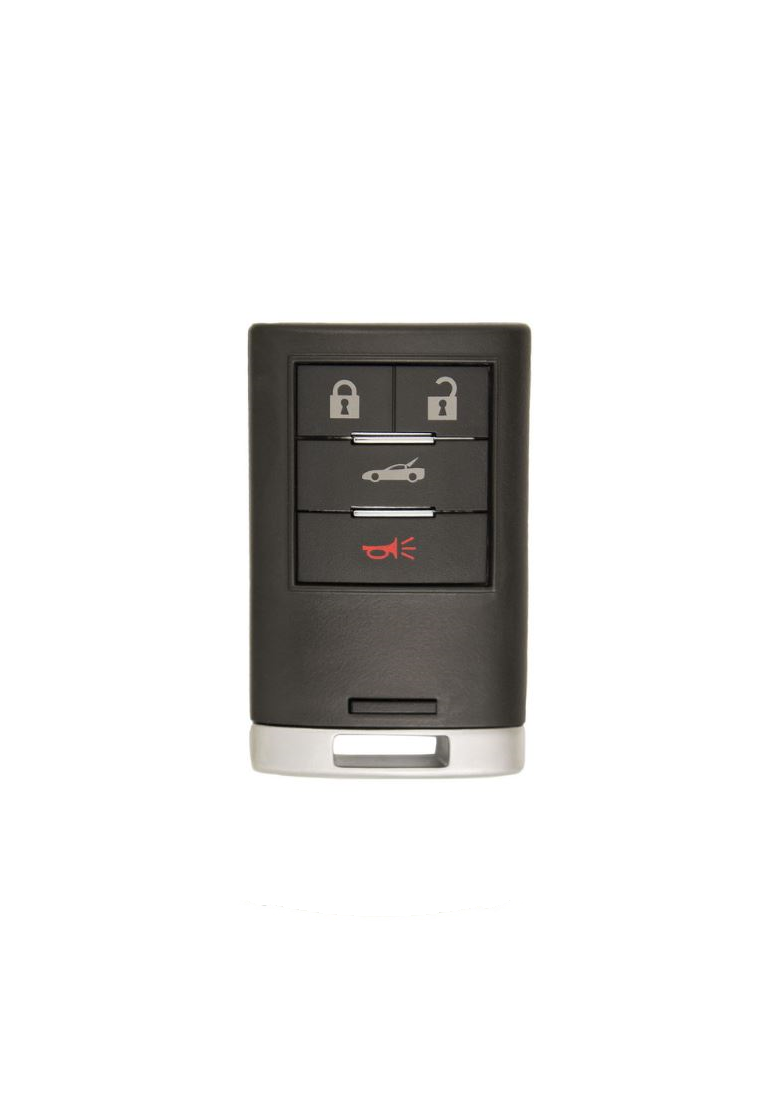
 Image 1 of 2
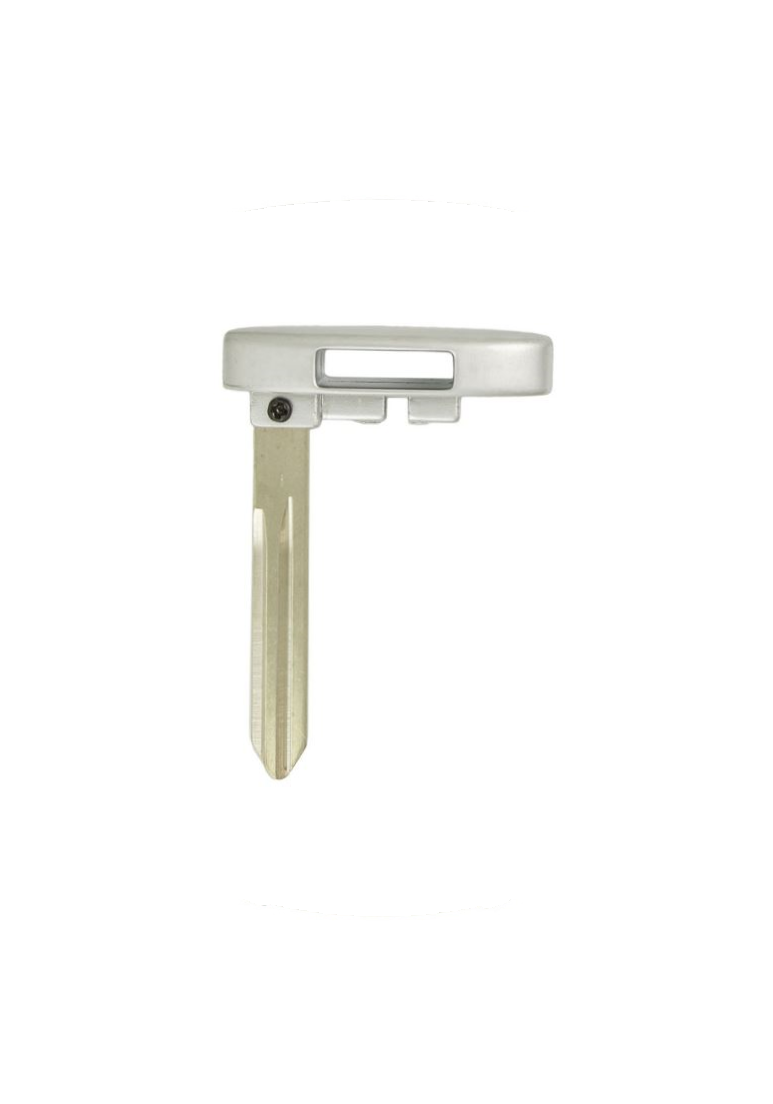 Image 2 of 2
2008 - 2013 Chevrolet Corvette 4 Button Keyless Entry Smart Remote with Emergency Key - M3N5WY7777A

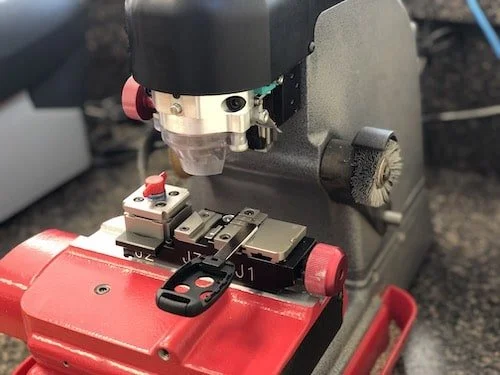
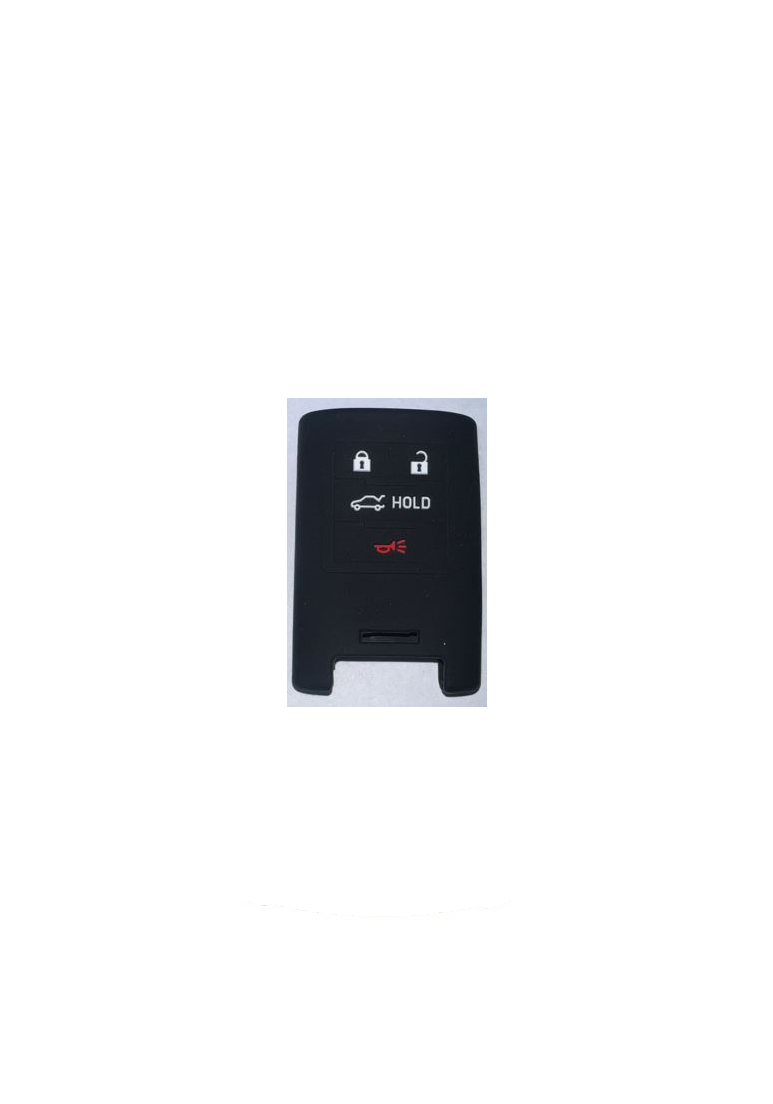
Step by Step How to Programming Instructions:
Programming with a Recognized Transmitter
Canadian vehicles require two Recognized Transmitters
IMPORTANT: This procedure is not available when the maximum number of 4 fobs have been programmed. If 4 key fobs are programmed to this RCDLR and this method is attempted, the driver information center (DIC) will display, MAX FOBS LEARNED and the programming procedure will exit.
This procedure will add key fobs. Fobs will be numbered in sequence based on when they are programmed; if 2 fobs are currently programmed to the RCDLR, a fob programmed using this method will be numbered as Fob 3. This procedure requires that you have a known good key fob, a replacement key fob, and the vehicle's mechanical key.
1. The vehicle must be off.
2. Both the programmed and the new key fob should be with you.
3. Insert the vehicle key into the key cylinder located on the lower rear fascia on the drivers side of the vehicle.
4. Open trunk.
5. Turn the key five times within five seconds.
6. The DIC will display: READY FOR FOB X (X = fob 2, 3, or 4).
7. Place the new key fob in the glove box key fob pocket with the buttons facing right.
8. A beep will occur and the DIC will display: READY FOR FOB X (X = fob 3 or 4) or MAX FOBS LEARNED.
9. If programming additional key fobs, repeat step 7, or press the OFF/ACC portion of the ignition switch to exit programming mode.
10. Press Unlock on each newly programmed key fob to complete the procedure.
Programming without a Recognized Transmitter
Canadian vehicles see Locksmith or dealer
1. The vehicle must be off.
2. Place the new key fob in the glove box key fob pocket with the buttons facing right.
3. Insert the vehicle key into the key cylinder located on the lower rear fascia on the drivers side of the vehicle.
4. Open trunk.
5. Turn the key five times within five seconds.
6. The DIC message will display OFF-ACC TO LEARN.
7. Press ACC on the ignition switch.
8.The DIC will read WAIT 10 MINUTES and counts down to zero.
9. The DIC message will display OFF-ACC TO LEARN again.
10. Press ACC on the ignition switch.
11. Steps8, 9 and 10 will be repeated 2 more times.
12. A beep sounds and the DIC will read READY FOR FOB #1. All previously key fobs have been erased at this time.
13. A beep sounds once programming is complete. The DIC displays READY FOR FOB #2. To program additional key fobs take key fob 1 out of the transmitter pocket and place key fob 2 in the transmitter pocket. Up to 4 key fobs can be programmed.The DIC then displays MAXIMUM NUMBER OF FOBS LEARNED and exits the programming mode automatically. Press ACC on the ignition switch to complete process.
14. Press ACC on the ignition switch if programming is complete.
15. Press Unlock on each newly programmed key fob to complete the procedure.