
 Image 1 of 1
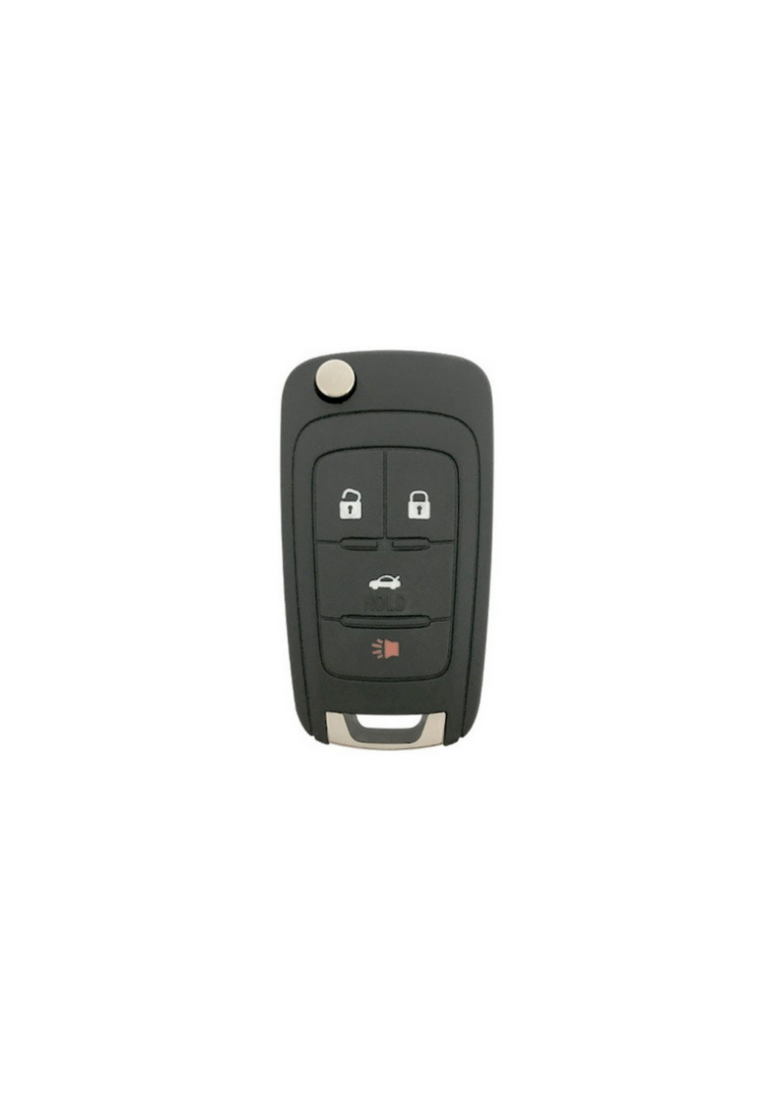
2015 - 2021 Chevrolet Impala 4 Button Keyless Entry Flip Remote - Non-Prox - 13574862

Step by Step How to Programming Instructions:
The vehicle can be reprogrammed so that lost or stolen transmitters no longer work. Any remaining transmitters will need to be reprogrammed. Each vehicle can have up to eight transmitters matched to it.
Programming with a Recognized Transmitter (Key Vehicles Only):
1. Insert the original, already programmed key in the ignition and turn to the key to the ON/RUN position.
2. Turn the key to LOCK/OFF, and remove the key.
3. Insert the new key to be programmed and turn it to the ON/RUN position within five seconds. The security light will turn off once the key has been programmed.
4. Repeat Steps 1–3 if additional keys are to be programmed.
Programming without a Recognized Transmitter (Key Vehicles Only)
1. Locate an automotive locksmith in your area using the phone number or website below.
2. If your vehicle is still mobile, it may save you money by driving to the locksmith instead of having them come to you.
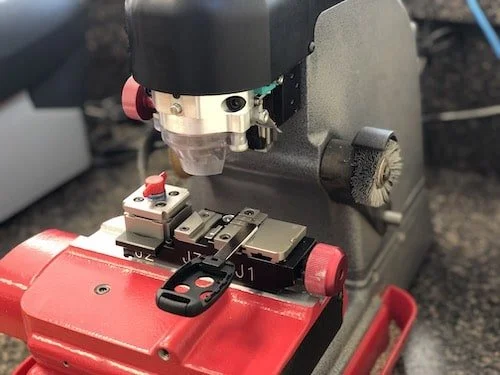
3. The locksmith will then hook up specialized computer equipment to your vehicle in order to program the smart key remote fob.
Programming with a Recognized Transmitter (Keyless Access Vehicles Only)
A new transmitter can be programmed to the vehicle when there is one recognized transmitter. To program, the vehicle must be off and all of the transmitters, both currently recognized and new, must be with you.
1. Place the recognized transmitter(s) in the transmitter pocket. The transmitter pocket is inside the center console storage area.
2. Insert the vehicle key of the new transmitter into the key lock cylinder on the outside of the driver door and turn the key to the unlock position five times within 10 seconds. The Driver Information Center (DIC) displays READY FOR REMOTE #2, 3, 4 or 5.
3. Place the new transmitter into the transmitter pocket, which is inside the center console storage area.
4. Press the START button. When the transmitter is learned, the DIC will show that it is ready to program the next transmitter.
5. Remove the transmitter from the transmitter pocket and press UNLOCK. To program additional transmitters, repeat Steps 3–5. When all additional transmitters are programmed, press and hold the START button for 10 seconds to exit programming mode.
Programming without a Recognized Transmitter (Keyless Access Vehicles Only)
If there are no currently recognized transmitters available, follow this procedure to program up to eight transmitters. This feature is not available in Canada. This procedure will take approximately 30 minutes to complete. The vehicle must be off and all of the transmitters to be programmed must be with you.
1. Insert the vehicle key of the transmitter into the key lock cylinder on the outside of the driver door and turn the key to the unlock position five times within 10 seconds. The Driver Information Center (DIC) displays REMOTE LEARN PENDING, PLEASE WAIT.
2. Wait for 10 minutes until the DIC displays PRESS ENGINE START BUTTON TO LEARN and then press the START button. The DIC displays will again show REMOTE LEARN PENDING, PLEASE WAIT.
3. Repeat Step 2 two additional times. After the third time, all previously known transmitters will no longer work with the vehicle. Remaining transmitters can be relearned during the next steps. The DIC display should now show READY FOR REMOTE # 1.
4. Place the new transmitter into the transmitter pocket, which is inside the center console storage area.
5. Press the START button. When the transmitter is learned the DIC will show that it is ready to program the next transmitter.
6. Remove the transmitter from the front cup holder and press UNLOCK on the transmitter. To program additional transmitters, repeat Steps 4–6. When all additional transmitters are programmed, press and hold ENGINE START/STOP for 12 seconds to exit programming mode.
7. Return the vehicle key back into the transmitter.