
 Image 1 of 3
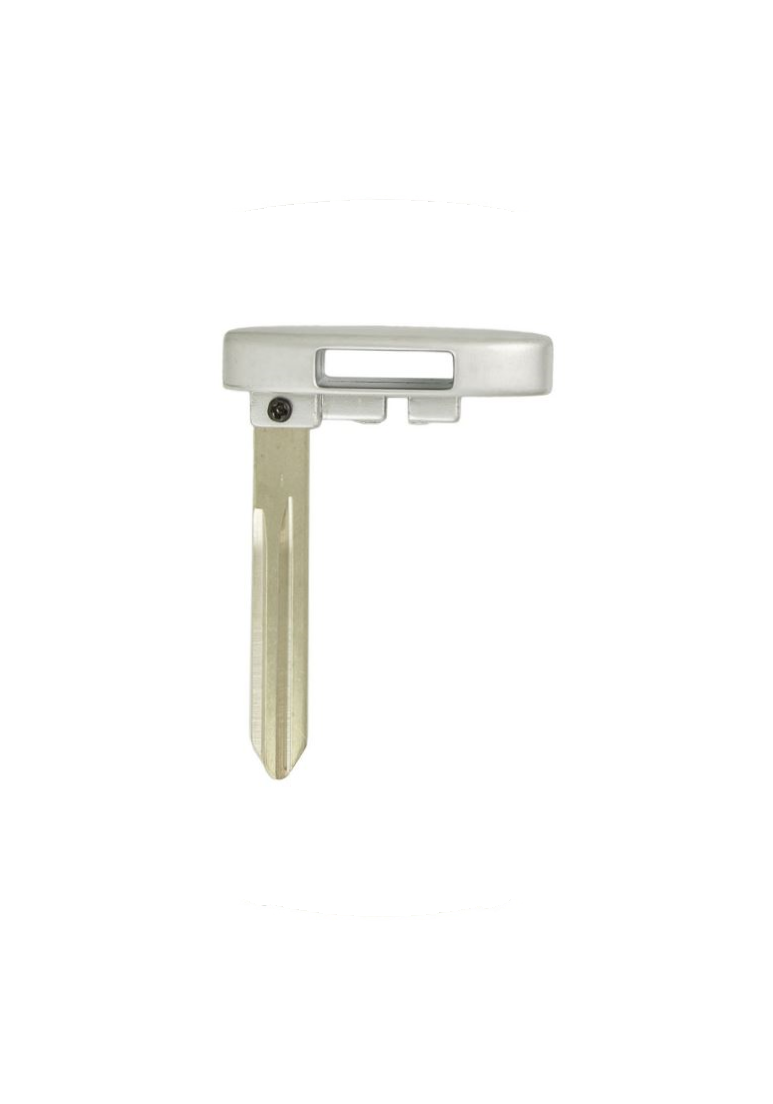 Image 2 of 3
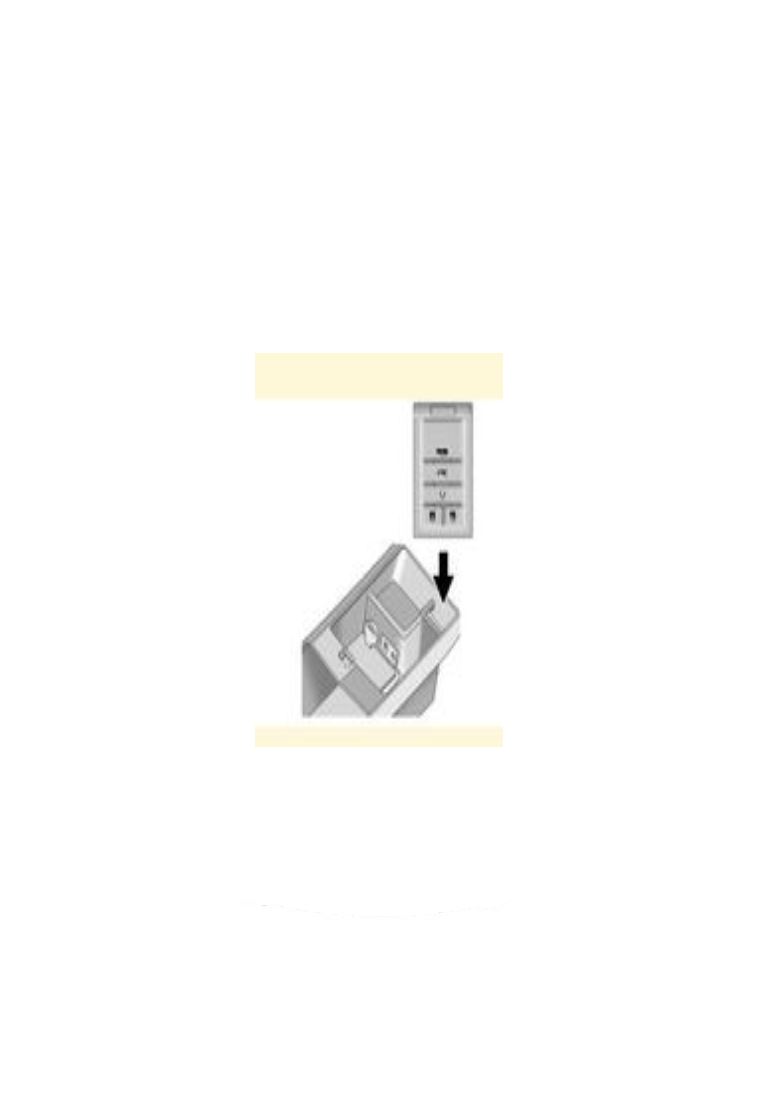 Image 3 of 3
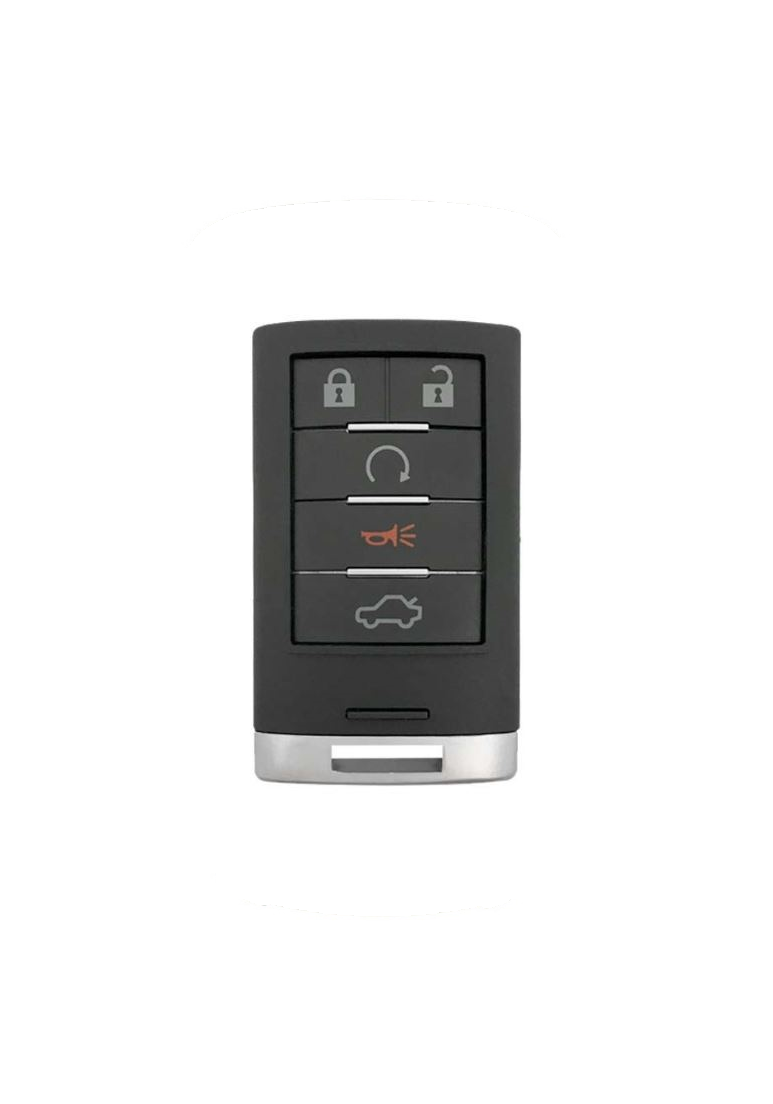
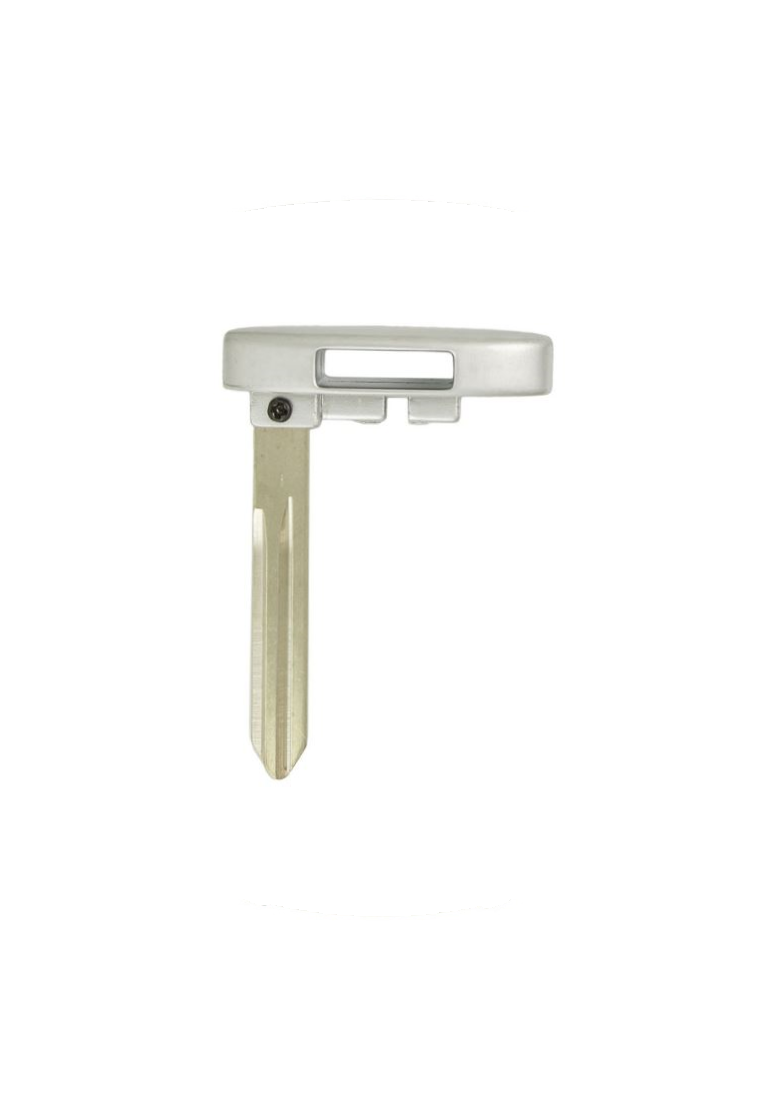
2008 - 2015 Cadillac CTS 5 Button Keyless Entry Smart Remote with Emergency Key - M3N5WY7777A - 25943676 - 25943677


Step by Step How to Program Instructions:
Programming with a Recognized Transmitter
A new transmitter can be programmed to the vehicle when there is one recognized transmitter. For vehicles sold in Canada, two recognized transmitters are required to program a new transmitter.
1. Make sure the vehicle is off.
2. Place the recognized transmitter(s) in the cupholder. Have the new transmitter available with you.
3. Insert the vehicle key into the key lock cylinder located on the outside of the driver door.
4. Turn the key to the unlock position five times within five seconds.
5. The Driver Information Center (DIC) displays READY TO LEARN ELECTRONIC KEY #2, 3 or 4. (Refer to programming pocket picture).
6. Place the new transmitter into the transmitter pocket with the buttons facing the front of the vehicle. The transmitter pocket is inside the center console storage area located between the driver and front passenger seats.
7. A beep sounds once the transmitter is programmed. The DIC displays READY TO LEARN ELECTRONIC KEY #3 or 4, or MAXIMUM # ELECTRONIC KEYS LEARNED.
8. Press the ignition control knob to exit programming mode.
9. Remove the transmitter from the transmitter pocket and press unlock on the keyless access transmitter two times.
10. To program additional transmitters, repeat Steps 6 through 9.
Programming without a Recognized Transmitter
The procedure requires three 10-minute cycles to complete the matching process.
1. Make sure the vehicle is off.
2. Place the new transmitter into the transmitter pocket with the buttons facing the front of the vehicle. The transmitter pocket is inside the center console storage area located between the driver and front passenger seats.
3. Insert the vehicle key into the key lock cylinder located on the driver door.
4. Turn the key to the unlock position five times within five seconds.
5. The DIC displays PRESS START CONTROL TO LEARN KEYS.
6. Press the ignition switch in.
7. The DIC reads LEARN DELAY ACTIVE WAIT XX MIN and counts down to zero.
8. The DIC displays PRESS START CONTROL TO LEARN KEYS again.
9. Press the ignition switch in again.
10. Repeat Steps 7, 8, and 9.
11. The DIC reads LEARN DELAY ACTIVE WAIT XX MIN and counts down to zero.
12. A beep sounds and the DIC reads READY TO LEARN ELECTRONIC KEY # X. All previously known transmitter programming has been erased.
13. A beep sounds once programming is complete. The DIC displays READY TO LEARN ELECTRONIC KEY # 2. To program additional transmitters, insert each transmitter in the pocket until a beep is heard and the DIC advances to the next electronic key number. Up to four transmitters can be programmed. The DIC displays MAXIMUM # ELECTRONIC KEYS LEARNED and exits the programming mode.
14. Press the ignition control knob if programming is complete.
15. Press unlock on each newly programmed transmitter to complete the process.