
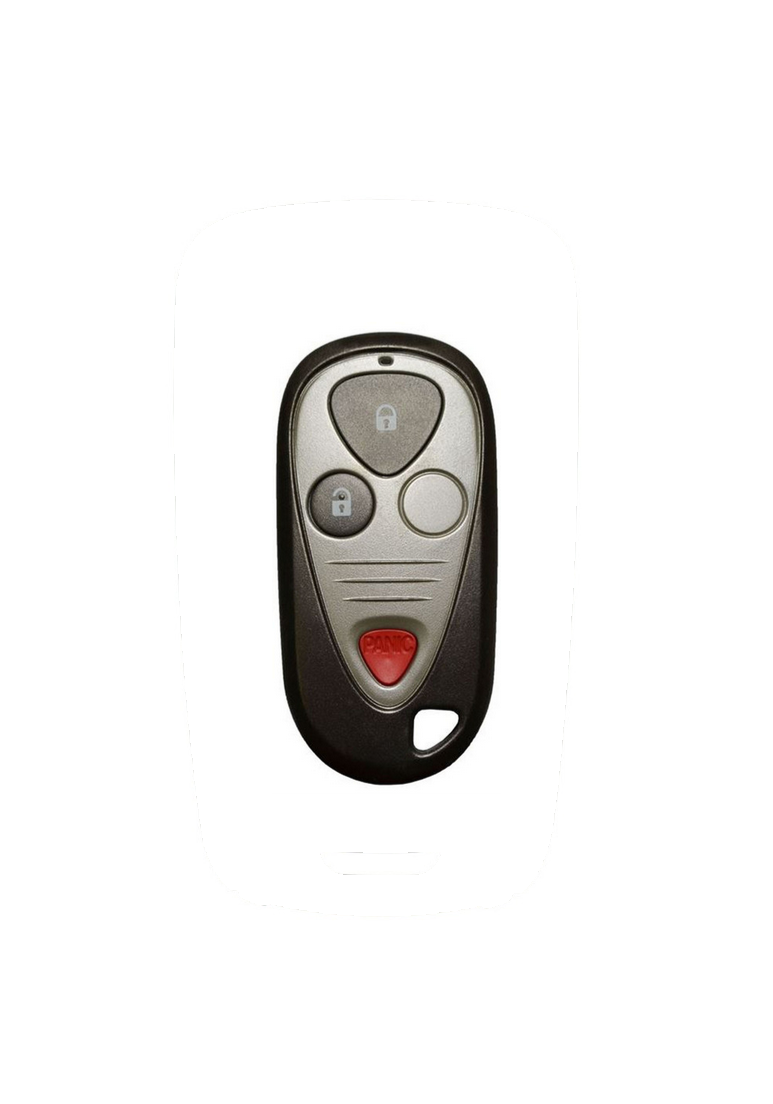
 Image 1 of 2
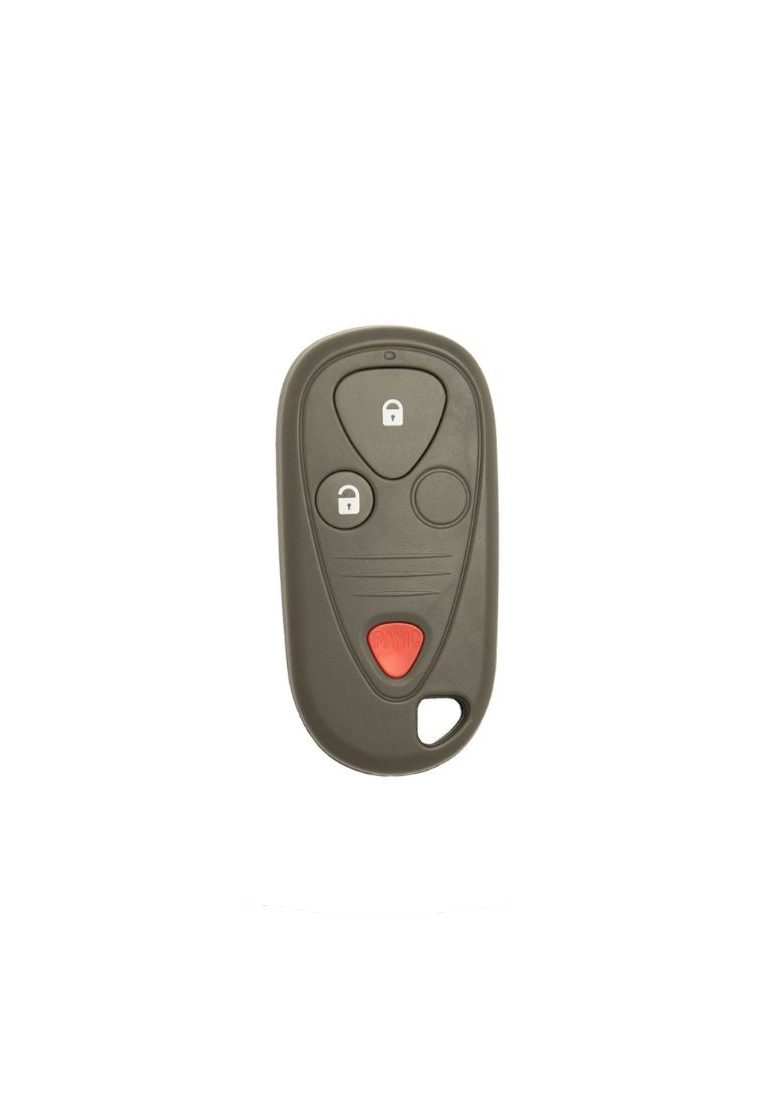 Image 2 of 2
2002 - 2006 Acura RSX 3 Button Keyless Entry Remote Fob - OUCG8D-355H-A - 72147-S6M-A02

Step by Step How to Programming Instructions:
The codes of up to three transmitters can be read into the keyless receiver unit memory. (If a fourth code is stored, the code which was input first will be erased.)
NOTE: It is important to maintain the time limits between the steps. Make sure the doors and the hatch are closed.
1. Turn the ignition switch ON (II).
2. Within 1 to 4 sec., push the transmitter lock or unlock button with the transmitter aimed at the receiver under the audio unit.
3. Within 1 to 4 sec., turn the ignition switch OFF.
4. Within 1 to 4 sec., turn the ignition switch ON (II).
5. Within 1 to 4 sec., push the transmitter lock or unlock button with the transmitter aimed at the receiver under the audio unit.
6. Within 1 to 4 sec., turn the ignition switch OFF.
7. Within 1 to 4 sec., turn the ignition switch ON (II).
8. Within 1 to 4 sec., push the transmitter lock or unlock button with the transmitter aimed at the receiver under the audio unit.
9. Within 1 to 4 sec., turn the ignition switch OFF.
10. Within 1 to 4 sec., turn the ignition switch ON (II).
11. Within 1 to 4 sec., push the transmitter lock or unlock button with the transmitter aimed at the receiver under the audio unit.
12. YOU SHOULD NOW HAVE HEARD THE SOUND OF THE DOOR LOCK ACTUATORS! Within 1 to 4 sec., push the transmitter lock or unlock button again.
13. Within 10 sec., aim any remaining transmitters (up to two additional ones) whose codes you want to store at the receiver, and press the transmitter lock or unlock buttons. Confirm that you can hear the sound of the door lock actuators after each transmitter code is stored.
14. Turn the ignition switch OFF, and pull out the key.
15. Confirm proper operation of the transmitters.