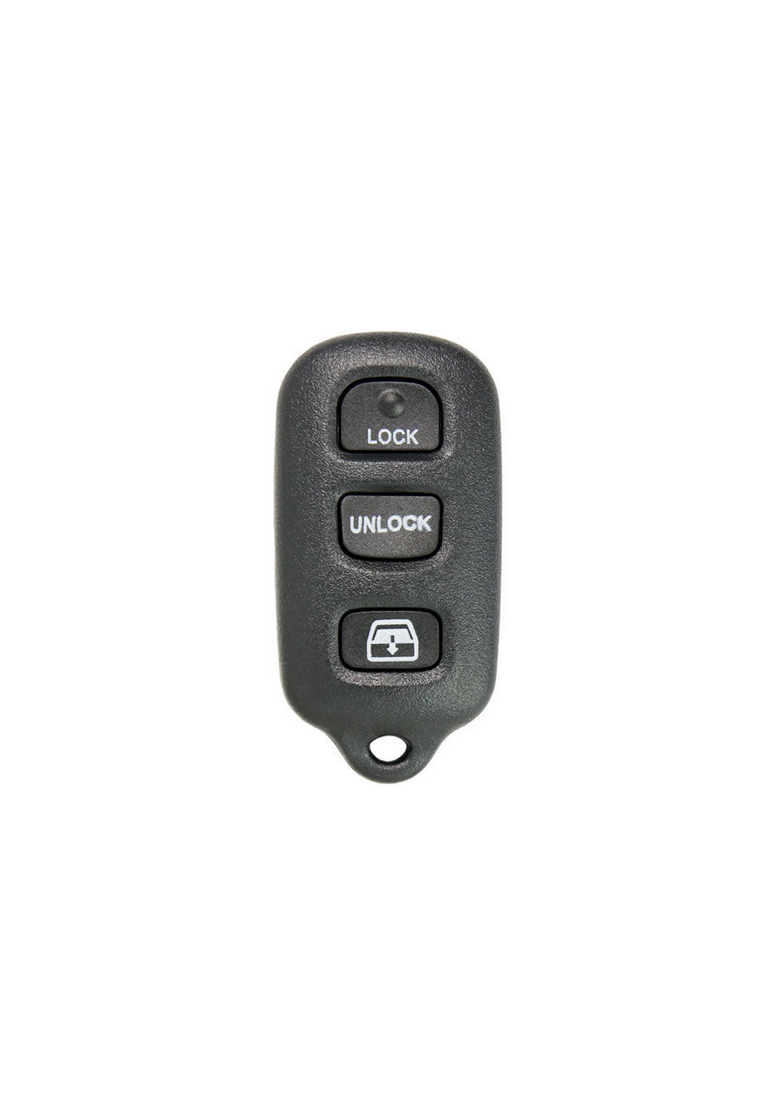
2001 - 2007 Toyota Sequoia 4 Button Keyless Entry Remote Fob with Rear Glass - HYQ12BAN

from $19.00

SKU: 6813

Condition: Multiple Options

IMPORTANT: This remote may or may not come in its original case with the OEM logo. If the original casing is worn we will re-case it into a new shell without a logo. Because this remote is 20+ years old, it is extremely rare to find a remote in its original casing that the case is actually in good condition. If you are wanting the item with the logo, please choose the NEW OEM option or contact us before purchasing to see if we have any refurbished units still in the OEM shell.

Fits:

2001 - 2007 Toyota Sequoia

OEM Part Number:   ‍89742-0C030, 89742-35050 Cross Compatible with: 89742-0C010, 89742-35040 (Toyota BAN) and 89742-35020, 89742-35021 (HYQ1512Y)

FCC ID: HYQ12BAN, HYQ12BBX

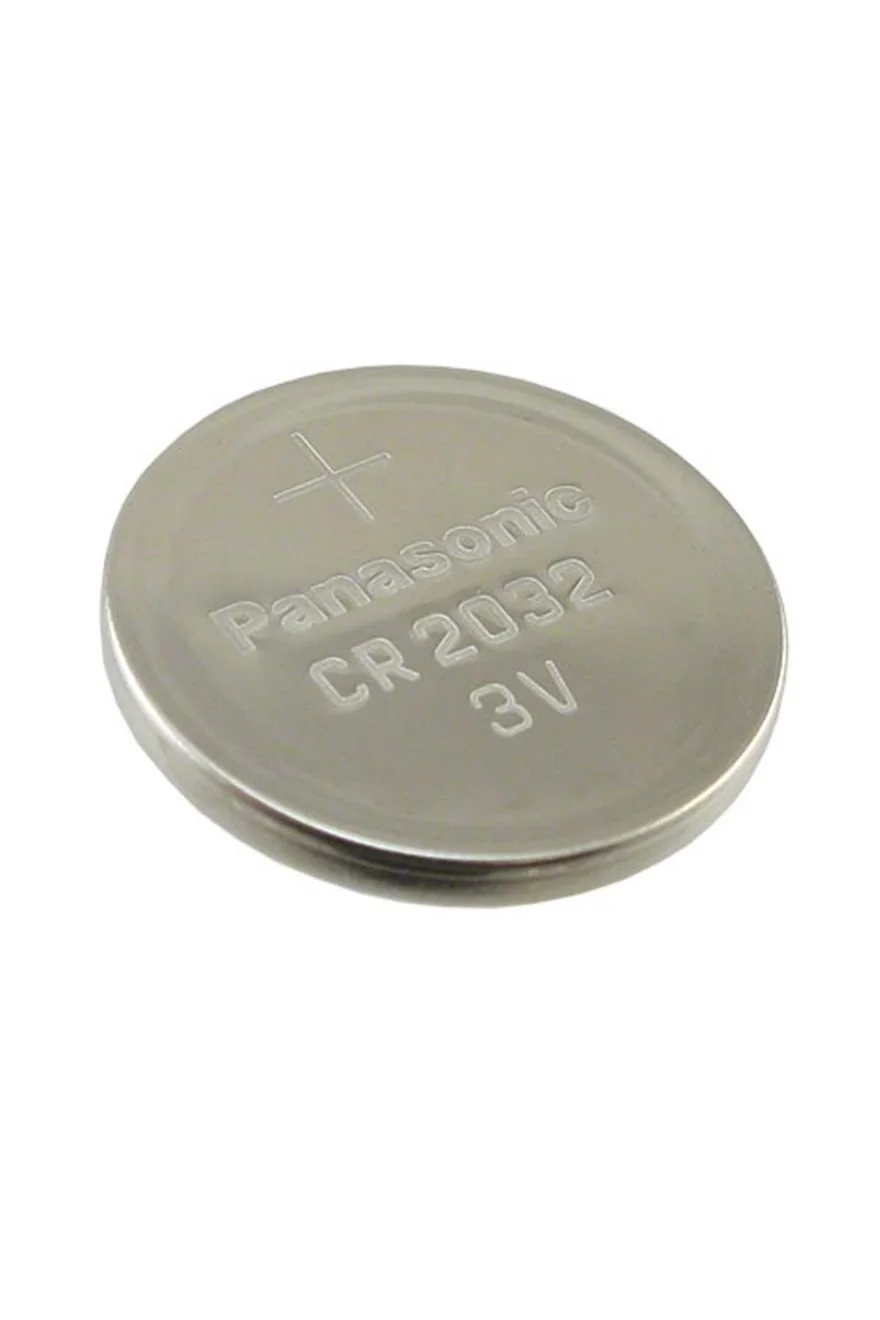
Battery size: CR2032


Condition:

SKU: 6813

Condition: Multiple Options

IMPORTANT: This remote may or may not come in its original case with the OEM logo. If the original casing is worn we will re-case it into a new shell without a logo. Because this remote is 20+ years old, it is extremely rare to find a remote in its original casing that the case is actually in good condition. If you are wanting the item with the logo, please choose the NEW OEM option or contact us before purchasing to see if we have any refurbished units still in the OEM shell.

Fits:

2001 - 2007 Toyota Sequoia

OEM Part Number:   ‍89742-0C030, 89742-35050 Cross Compatible with: 89742-0C010, 89742-35040 (Toyota BAN) and 89742-35020, 89742-35021 (HYQ1512Y)

FCC ID: HYQ12BAN, HYQ12BBX

Battery size: CR2032


Button Cell Battery (Choose Your Size) Button Cell Battery (Choose Your Size) Button Cell Battery (Choose Your Size) Button Cell Battery (Choose Your Size) Button Cell Battery (Choose Your Size) Button Cell Battery (Choose Your Size) Button Cell Battery (Choose Your Size) Button Cell Battery (Choose Your Size)
Size:

Step by Step How to Programming Instructions:


1. Start with the key out of the ignition, drivers door is open all others closed and drivers door is unlocked.


2. Perform these steps within 5 seconds.
    A. Insert the key into the ignition(Do NOT Turn) Pull key out.
    B. Insert the key into the ignition(Do NOT Turn) Pull key out.

3. Perform these steps within 40 seconds.
    A. Close then open the drivers door.
    B. Close then open the drivers door.
    C. Insert the key into the ignition(Do NOT Turn) Pull key out.

4. Perform these steps within 40 seconds.
    A. Close then open the drivers door.
    B. Close then open the drivers door.
    C. Insert the key into ignition and leave it in ignition.
    D. Close the drivers door.
    E. Turn the ignition to ON (Do NOT Start) then back to OFF.
    F. Remove the key from the ignition.

5. Within 3 seconds, the power door locks should lock then unlock automatically indicating successful entry into programming mode. Return to step 1 if the locks do not cycle at this point.

6. Perform these steps within 40 seconds.
    A. Press the lock and unlock buttons on the remote simultaneously for 1.5 seconds.
    B. Immediately after letting go of the lock and unlock buttons, Press the lock button by itself and hold for 2 seconds. Within 3 seconds, the door  locks should lock and then unlock once indicating successful programming. If the door locks cycle twice, repeat steps A and B in step 6 as the remote was not accepted.
    C. Repeat steps A and B in step 6 for each new remote.

7. Open drivers door.