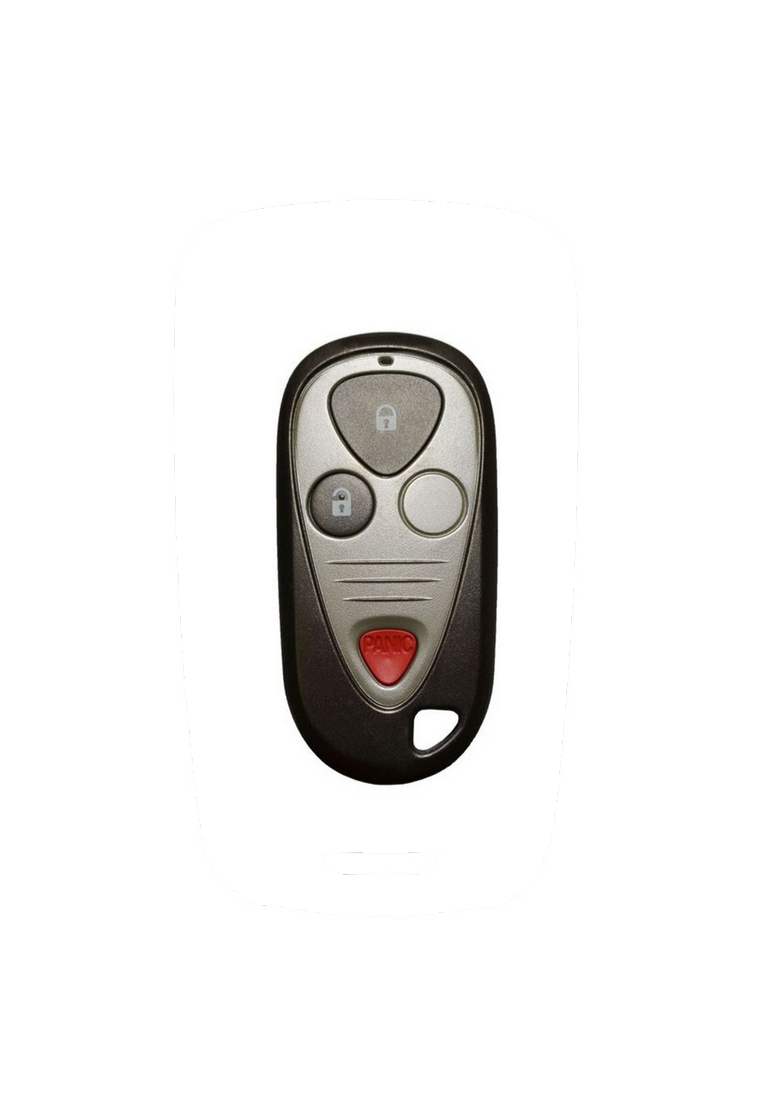
2001 - 2006 Acura MDX 3 Button Keyless Remote Fob - E4EG8D-444H-A - 72147-S3V-A01

$75.00

Condition: Refurbished OEM

Fits:

2001 - 2006 Acura MDX

OEM Part Number: ‍72147-S3V-A01, 72147-S3V-A02 (no memory feature)

FCC ID: Battery size: CR2025

Condition: Refurbished OEM

Fits:

2001 - 2006 Acura MDX

OEM Part Number: ‍72147-S3V-A01, 72147-S3V-A02 (no memory feature)

FCC ID: Battery size: CR2025

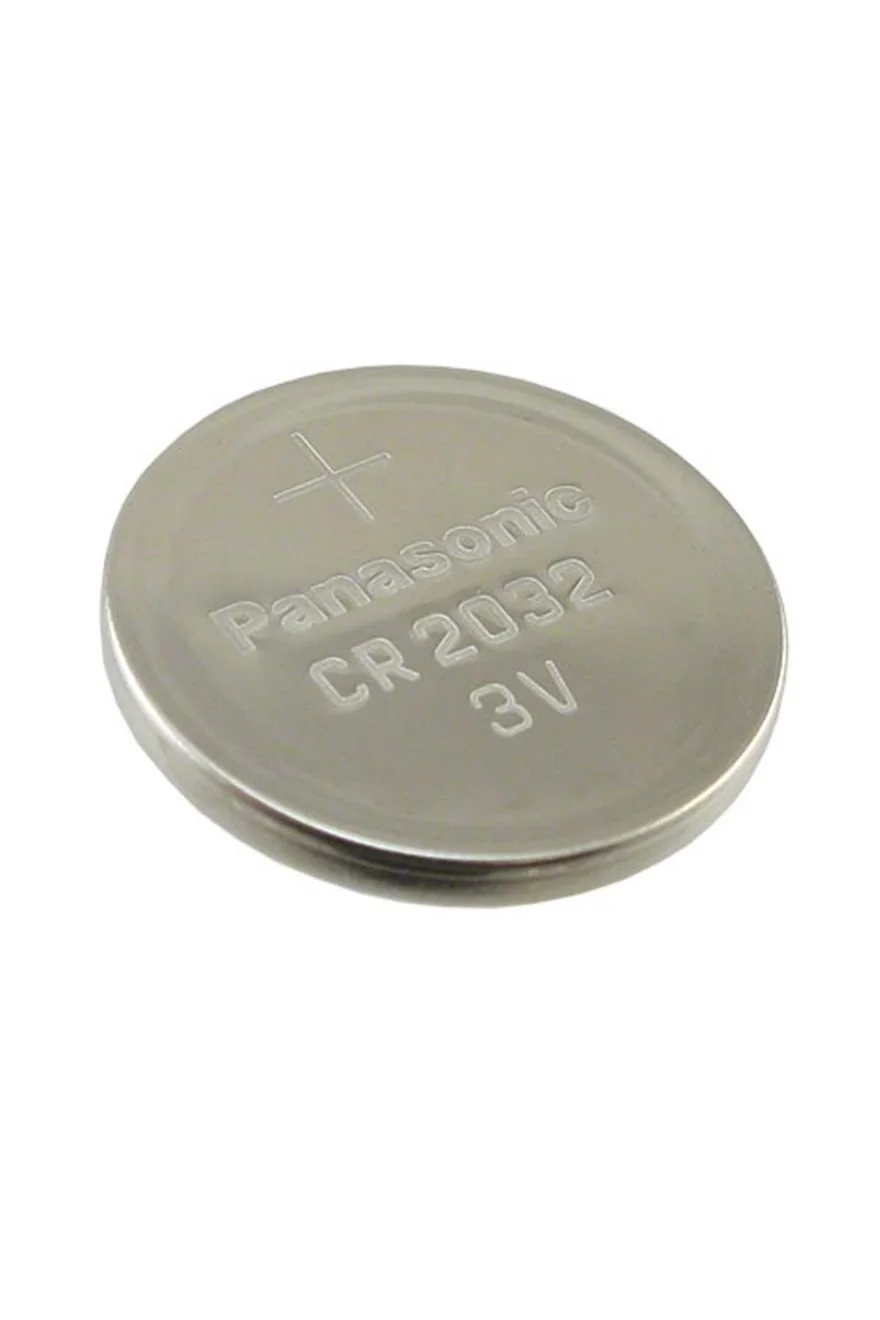
Button Cell Battery (Choose Your Size) Button Cell Battery (Choose Your Size) Button Cell Battery (Choose Your Size) Button Cell Battery (Choose Your Size) Button Cell Battery (Choose Your Size) Button Cell Battery (Choose Your Size) Button Cell Battery (Choose Your Size) Button Cell Battery (Choose Your Size)
Size:

Step by Step How to Programming Instructions:


1. Make sure all doors are unlocked.


2. Turn the ignition to the ON position (where the instrument panel lights are turned on without starting the engine.)

3. Press the LOCK button on the remote and release.

4. Turn the ignition back to LOCK (the position where the key is inserted) and leave the key in the ignition.

5. Turn the ignition to the ON position (where the instrument panel lights are turned on without starting the engine.)

6. Press the UNLOCK button on the same remote.

7. Turn the ignition back to LOCK (the position where the key is inserted) and leave the key in the ignition.

8. Turn the ignition to the ON position (where the instrument panel lights are turned on without starting the engine.)

9. Press the LOCK button on the same remote.

10. Turn the ignition back to LOCK (the position where the key is inserted) and leave the key in the ignition.


11. Turn the ignition to the ON position (where the instrument panel lights are turned on without starting the engine.)


12. Press the LOCK button on the same remote and release. The power door locks will cycle to confirm the system is in programming mode.


13. Press the LOCK button on each remote that you want programmed, including the same remote used to enter programming mode. The door locks will cycle to confirm that the system accepted each remote.


14. Turn the key back to LOCK and remove from ignition to exit programming mode.